期間限定30% OFF今すぐ確認

Imagine Image 上の Grok Imagine Image 2.0 キャンペーン静止画デスク Grok Imagine Image 2.0

Image 2.0 をあらかじめ選んだテキストから画像・画像から画像 — 最初のヒーロー、レビュー1点修正、複数タイルセットを同じライブラリに。

/image は Grok Imagine Image 2.0 向け Imagine Image の静止画デスク:制作要件をダウンロードできる画にし、ステークホルダーが求めた細部を直し、バリエーションを同じ履歴に残す。無料クレジットでデスクが開く — カード不要。別の見た目が要るときだけモデルを切替え。

  • 画面上でも読める見出し文字
  • レビュー後の1点変更・画像から画像
  • カルーセルとパックセットを同じ履歴の流れで
  • 開ける無料クレジット — カード不要
Grok Imagine Image 2.0 プロダクトヒーロー — 左にソフトな文字、右に磁器のカメラ彫刻
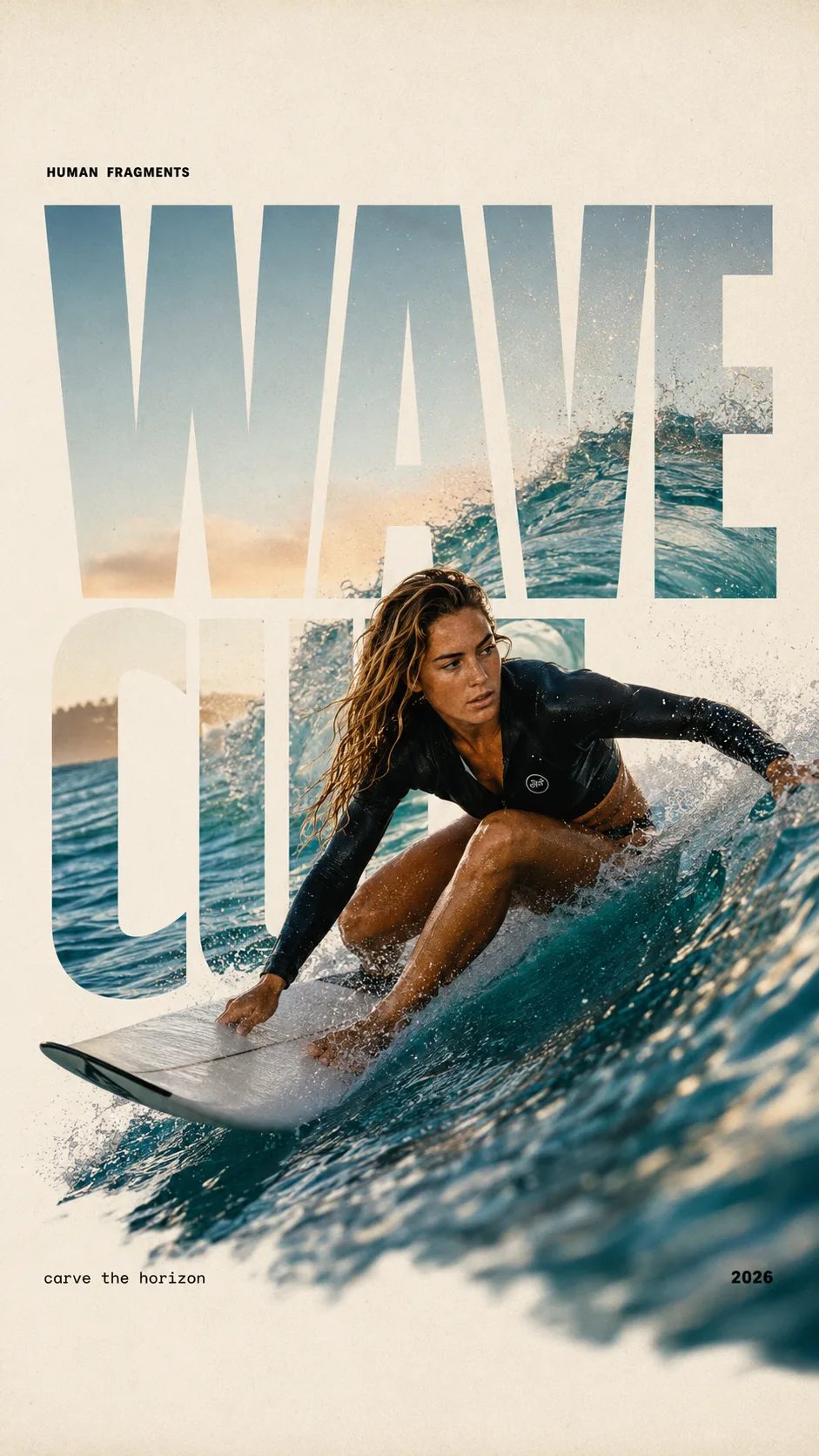
HUMAN FRAGMENTS editorial poster sample

Create a 9:16 editorial poster in the HUMAN FRAGMENTS visual system. Theme: [surfing / basketball / boxing / cake decorating] Subject: [gender, age, appearance, outfit] Action: [specific movement or handcraft] Scene: [location and environment] Title: [custom two-word title] Supporting line: [one short phrase] Year: 2026 Use oversized cropped typography as the main structural framework. The letters should act as windows that reveal the surrounding environment, while the main person remains visually complete in front of the type. Do not let the letters cut through the face, torso, arms, thighs, or other important parts of the body. Let one key action element break beyond the typography to create strong depth: 1. WAVE CUT — a surfer carving across a rising wave, with the board nose, hand, water spray, and curled wave breaking outside the letters. 2. RIM RISE — a basketball player reaching toward the hoop from a camera placed above the rim, with the basketball, hand, and hoop fully outside the letter masks and aligned naturally. 3. IMPACT FRAME — a boxer throwing a straight punch toward the camera, with the foreground glove enlarged and breaking beyond the typography while the gym remains inside the letters. 4. SOFT SWIRL — a graceful young woman decorating a cake, with the piping bag, hands, cake, and cream details extending beyond the letters while the bakery interior appears inside the type. Use realistic photography, believable anatomy, natural skin texture, strong foreground perspective, subtle paper grain, a warm off-white background, restrained colors, and clean editorial spacing. Keep the text minimal and freely placed: [Title] HUMAN FRAGMENTS [Short supporting line] 2026

Create a 9:16 editorial poster in the HUMAN FRAGMENTS visual system. Theme: [surfing / basketball / boxing / cake decorating] Subject: [gender, age, appearance, outfit] Action: [specific movement or handcraft] Scene: [location and environment] Title: [custom two-word title] Supporting line: [one short phrase] Year: 2026 Use oversized cropped typography as the main structural framework. The letters should act as windows that reveal the surrounding environment, while the main person remains visually complete in front of the type. Do not let the letters cut through the face, torso, arms, thighs, or other important parts of the body. Let one key action element break beyond the typography to create strong depth: 1. WAVE CUT — a surfer carving across a rising wave, with the board nose, hand, water spray, and curled wave breaking outside the letters. 2. RIM RISE — a basketball player reaching toward the hoop from a camera placed above the rim, with the basketball, hand, and hoop fully outside the letter masks and aligned naturally. 3. IMPACT FRAME — a boxer throwing a straight punch toward the camera, with the foreground glove enlarged and breaking beyond the typography while the gym remains inside the letters. 4. SOFT SWIRL — a graceful young woman decorating a cake, with the piping bag, hands, cake, and cream details extending beyond the letters while the bakery interior appears inside the type. Use realistic photography, believable anatomy, natural skin texture, strong foreground perspective, subtle paper grain, a warm off-white background, restrained colors, and clean editorial spacing. Keep the text minimal and freely placed: [Title] HUMAN FRAGMENTS [Short supporting line] 2026
ここが Grok Imagine Image 2.0 を既定にする理由

今すぐデッキや広告アカウントに載せられる静止画が要る人がここに来る — ブランド物語でも動画レンダーでもない。キャンペーンには読める文字、制御された画像から画像の修正、揃った複数タイル出力が要るから Grok Imagine Image 2.0 がサイト標準。Imagine Image はそれをあらかじめ選び、デスクを開いてすぐ走らせ、初回は無料クレジットで試せる。

| Grok Imagine Image 2.0 | テキストから画像 | 画像から画像 | キャンペーン静止画 | ブラウザ画像デスク |

キャンペーンの流れ

要件から保存済み Grok Imagine Image 2.0 静止画へ

/image での3手 — モーションは /video のまま。

  1. 1

    レイアウト作業は Grok Imagine Image 2.0 のまま

    選択リストの既定は Grok Imagine Image 2.0。ヒーロー、パック、ラベル付き UI 風ボードはそのまま。別の速度や作風が欲しいときだけ切替え。

  2. 2

    要件をプロンプトに — または直す画をアップロード

    テキストから画像では構図・光・画面上の文言を書く。画像から画像ではほぼ最終の静止画を上げ、変えたい点だけ書いてキャンペーンの残りを保つ。

  3. 3

    保存し、比率を分岐し、モーションへ渡す

    デッキ用にダウンロードするか、履歴を開き直して新しい切り抜き。ヒーローを動かすときはその静止画を /video の Grok Imagine Video へ — ここではアニメーションを強いない。

Imagine Image で Grok Imagine Image 2.0 が合うキャンペーン仕事

マーケの出稿スピード向けの具体的な静止画出力 — 動画ハブとは別の役割。

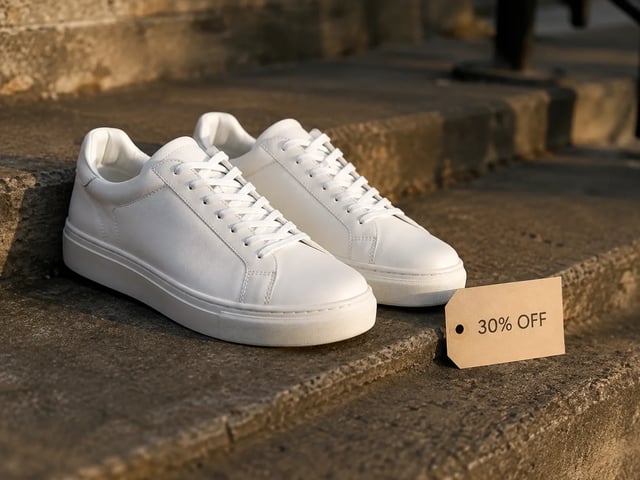
  • パフォーマンス広告静止画 — 30% OFF タグ付き白スニーカー、ゴールデンアワー

    パフォーマンスクリエイティブ

    同じレイアウトでオファー文言を変えた広告ヒーローを量産する。Grok Imagine Image 2.0 が文字を読めるまま保つので、A/B 静止画が広告アカウントで仕上がって見える。

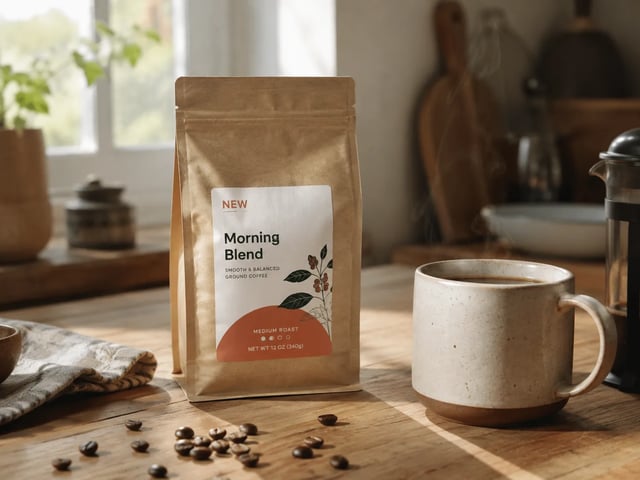
  • ブランド修正静止画 — キッチンテーブル上の NEW バッジ付きコーヒーパック

    ブランドマーケチーム

    構図全体を作り直さずステークホルダー修正を出す。下書きを上げ、指摘されたバッジ・小物・背景だけ画像から画像で直す。

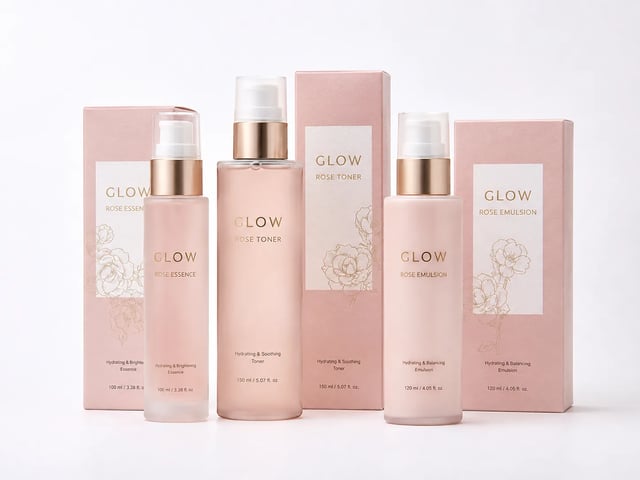
  • EC パックファミリー静止画 — 揃った GLOW スキンケアセット

    EC マーチャンダイズリード

    パレットと商品同一性を共有するパック面とリスティングタイルを組む。Grok Imagine Image 2.0 を選んだまま、セットが1ブランドとして読めるようにする。

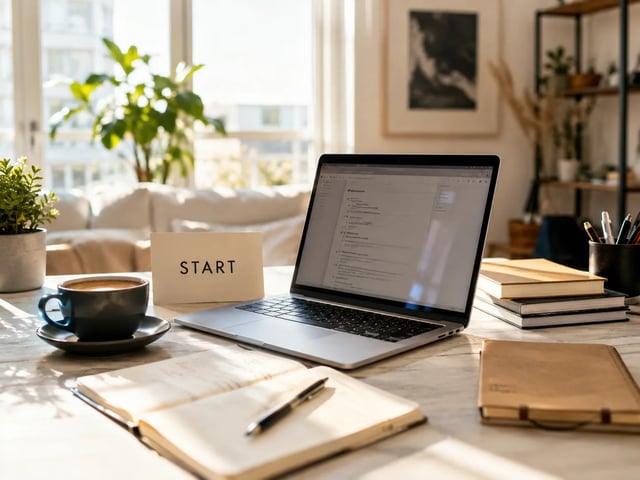
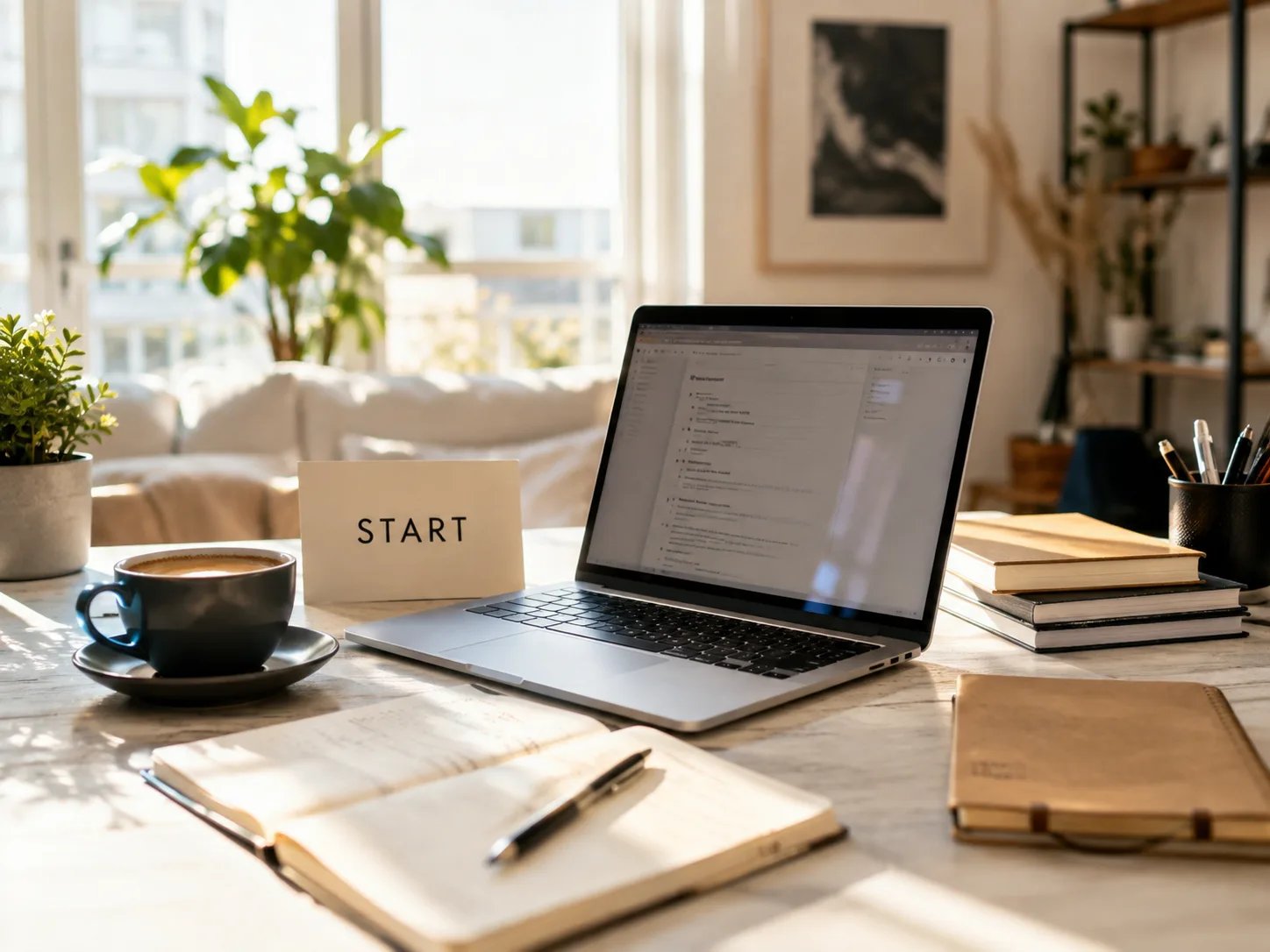
  • 創業者ランディング静止画 — START カードのある日差しのデスク

    グロース創業者

    デザイン採用なしでランディングヒーローとデッキカバーを下書き。Imagine Image で無料開始し、量や商用ライセンスが要るときだけ有料へ。

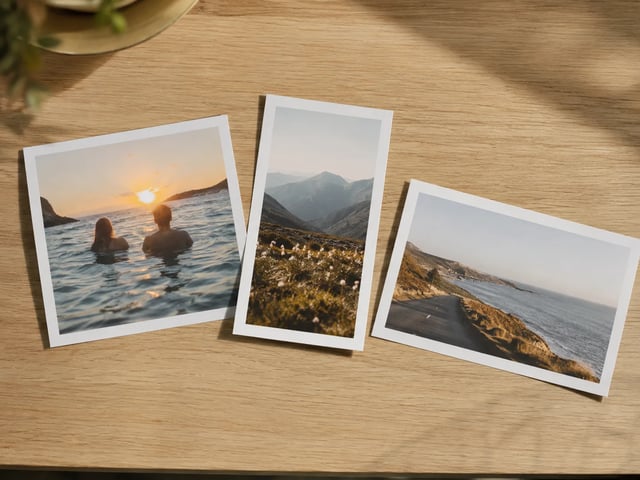
  • オークテーブルに並んだ複数比率のキャンペーンプリント

    ソーシャルコンテンツリード

    1つの Grok Imagine Image 2.0 コンセプトから 1:1 フィード、9:16 ストーリー、16:9 デッキをカバー。Imagine Image が履歴のつながりを保ち、切り抜きが端末に散らばらない。

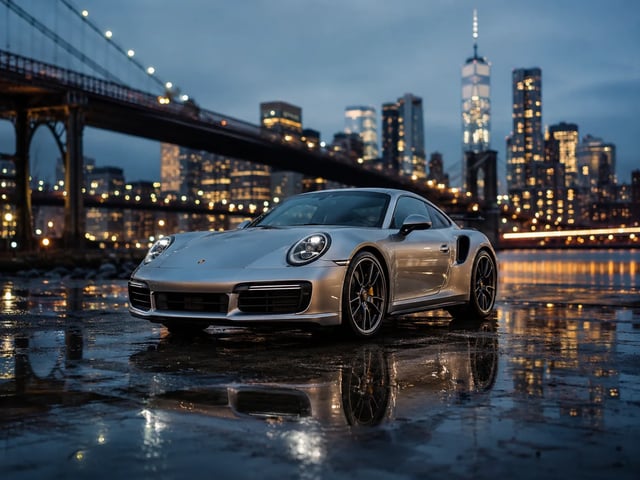
  • 代理店ピッチのキービジュアル — ブルーアワーのシルバースポーツカー

    代理店ピッチチーム

    当日中に仕上がり感のある静止画をクライアントに見せる。デッキ用にダウンロードするか、メモ後に履歴を開き直し、プロンプトを記憶から組み直さない。

静止画デスクの能力

Imagine Image で Grok Imagine Image 2.0 が重視すること

  • キャンペーン画の中の読める文字

    見出し、値札、UI ラベルが要件に入るとき Grok Imagine Image 2.0 は最も強い。それらの文言をプロンプトに書き、デッキや広告枠に出せる静止画にする。

  • 1点だけの画像から画像修正

    ほぼ最終の画を上げ、バッジ・背景・小物など1領域だけ変えて残りは保つ。このデスクが想定する日常のレビューループ。

  • ブランドを保つ複数タイルセット

    Grok Imagine Image 2.0 を選んだままプロンプトを反復し、カルーセルタイルや SKU ファミリーでパレット・被写体・文字のトーンを揃える。

  • テキストから画像と画像から画像を同じ場所で

    白紙のプロンプトでも参照写真でも同じジェネレーター。キャンペーン静止画をリスタイルするためだけに別インストールや別アカウントは不要。

  • /image を離れず他モデルへ

    下書きに別の見た目が要るとき、Grok Imagine、GPT Image 2、Nano Banana などが選択リストに残る。レイアウト重視の仕事のサイト標準は Grok Imagine Image 2.0 のまま。

  • 失敗した実行は自動返金

    タイムアウト、サーバーエラー、フィルタはクレジットを返す。受け取った静止画にだけ使う。

Imagine Image 上の Grok Imagine Image 2.0 FAQ

Imagine Image の Grok Imagine Image 2.0 とは?

Grok Imagine Image 2.0 は Imagine Image のサイト標準静止画モデル。この /image ハブでキャンペーンヒーロー、レビュー修正、複数タイルセットに使い — 上のジェネレーターから無料で開始できます。

Grok Imagine Image 2.0 は無料で試せますか?

新規アカウントは静止画デスクを開ける無料クレジットを得ます。開始にクレジットカードは不要。量や商用ライセンスが要るときに追加クレジット購入またはサブスク。

Grok Imagine Image 2.0 は画像内の文字をうまく扱えますか?

はい — ここが既定である核心理由のひとつ。ポスター、パック、UI モックには正確な文言をプロンプトに。長さと言語で結果は変わるので、まず短いラベルで反復を。

画像から画像のレビュー修正はどう動きますか?

参照静止画をアップロードし、変えたい領域だけ説明し、Grok Imagine Image 2.0 を選んだまま実行。シーンの残りは全やり直しより元に近く保たれやすい。

広告やクライアントワークに書き出せますか?

有料プランは広告、製品、クライアント納品向けの商用ライセンスを含みます。無料枠の静止画はプランに別段の記載がなければ個人テスト向け — 法務ページを確認してください。

ここでアニメーションすべきですか?

いいえ。/image は静止画向け。動かす準備のできたヒーローができたら /video を開き、その静止画を先頭フレームに Grok Imagine Video(または他の動画モデル)を使う。

いつ Grok Imagine Image 2.0 から離れるべきですか?

レイアウト重視のキャンペーン静止画は Grok Imagine Image 2.0 のまま。別の速度や作風が欲しいときに切替え — 選択リストはプロンプトと参照を保持します。

生成が途中で失敗したら?

サーバーエラー、タイムアウト、コンテンツフィルタではクレジットが自動返金されます。より明確なプロンプトやより単純な領域編集で再実行。

次のキャンペーン静止画を Grok Imagine Image 2.0 で

Imagine Image 静止画デスク · テキストから画像 · 画像から画像 — 無料開始、カード不要。