기간 한정 30% 할인!혜택 받기

Imagine Image의 Grok Imagine Image 2.0 캠페인 정지 이미지 작업대 Grok Imagine Image 2.0

Image 2.0이 미리 선택된 텍스트 투 이미지·이미지 투 이미지 — 첫 히어로, 한 줄 리뷰 수정, 멀티 타일 세트를 한 라이브러리에서.

/image는 Grok Imagine Image 2.0용 Imagine Image 정지 이미지 작업대입니다: 캠페인 요청을 다운로드 가능한 이미지로 바꾸고, 이해관계자가 요청한 세부만 고치고, 변형을 같은 기록에 모으세요. 무료 크레딧으로 작업대를 엽니다 — 카드 불필요. 요청이 다른 스타일을 원할 때만 모델을 바꾸세요.

  • 이미지 안에서도 읽히는 헤드라인 텍스트
  • 리뷰 후 한 곳만 이미지 투 이미지
  • 한 작업 흐름의 캐러셀·팩 세트
  • 무료 크레딧으로 시작 — 카드 불필요
Grok Imagine Image 2.0 제품 히어로 — 왼쪽 부드러운 타이포, 오른쪽 포슬린 카메라 조각
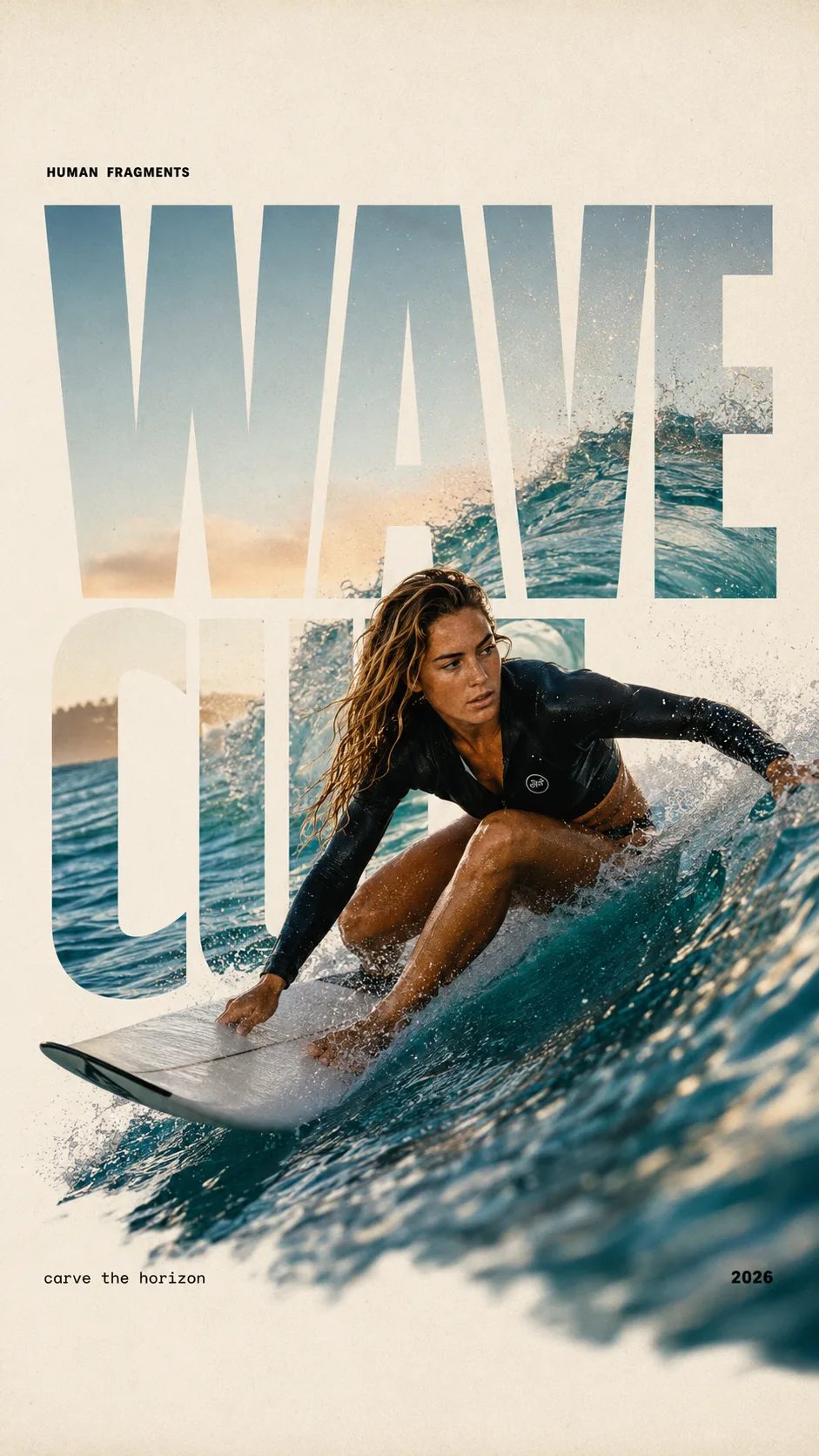
HUMAN FRAGMENTS editorial poster sample

Create a 9:16 editorial poster in the HUMAN FRAGMENTS visual system. Theme: [surfing / basketball / boxing / cake decorating] Subject: [gender, age, appearance, outfit] Action: [specific movement or handcraft] Scene: [location and environment] Title: [custom two-word title] Supporting line: [one short phrase] Year: 2026 Use oversized cropped typography as the main structural framework. The letters should act as windows that reveal the surrounding environment, while the main person remains visually complete in front of the type. Do not let the letters cut through the face, torso, arms, thighs, or other important parts of the body. Let one key action element break beyond the typography to create strong depth: 1. WAVE CUT — a surfer carving across a rising wave, with the board nose, hand, water spray, and curled wave breaking outside the letters. 2. RIM RISE — a basketball player reaching toward the hoop from a camera placed above the rim, with the basketball, hand, and hoop fully outside the letter masks and aligned naturally. 3. IMPACT FRAME — a boxer throwing a straight punch toward the camera, with the foreground glove enlarged and breaking beyond the typography while the gym remains inside the letters. 4. SOFT SWIRL — a graceful young woman decorating a cake, with the piping bag, hands, cake, and cream details extending beyond the letters while the bakery interior appears inside the type. Use realistic photography, believable anatomy, natural skin texture, strong foreground perspective, subtle paper grain, a warm off-white background, restrained colors, and clean editorial spacing. Keep the text minimal and freely placed: [Title] HUMAN FRAGMENTS [Short supporting line] 2026

Create a 9:16 editorial poster in the HUMAN FRAGMENTS visual system. Theme: [surfing / basketball / boxing / cake decorating] Subject: [gender, age, appearance, outfit] Action: [specific movement or handcraft] Scene: [location and environment] Title: [custom two-word title] Supporting line: [one short phrase] Year: 2026 Use oversized cropped typography as the main structural framework. The letters should act as windows that reveal the surrounding environment, while the main person remains visually complete in front of the type. Do not let the letters cut through the face, torso, arms, thighs, or other important parts of the body. Let one key action element break beyond the typography to create strong depth: 1. WAVE CUT — a surfer carving across a rising wave, with the board nose, hand, water spray, and curled wave breaking outside the letters. 2. RIM RISE — a basketball player reaching toward the hoop from a camera placed above the rim, with the basketball, hand, and hoop fully outside the letter masks and aligned naturally. 3. IMPACT FRAME — a boxer throwing a straight punch toward the camera, with the foreground glove enlarged and breaking beyond the typography while the gym remains inside the letters. 4. SOFT SWIRL — a graceful young woman decorating a cake, with the piping bag, hands, cake, and cream details extending beyond the letters while the bakery interior appears inside the type. Use realistic photography, believable anatomy, natural skin texture, strong foreground perspective, subtle paper grain, a warm off-white background, restrained colors, and clean editorial spacing. Keep the text minimal and freely placed: [Title] HUMAN FRAGMENTS [Short supporting line] 2026
Imagine Image가 여기서 Grok Imagine Image 2.0을 기본으로 두는 이유

여기 온 사람은 브랜드 스토리나 비디오 렌더가 아니라, 오늘 발표 자료·광고 계정에 넣을 정지 이미지가 필요할 때 옵니다. Grok Imagine Image 2.0이 기본 선택인 이유는 캠페인 작업에 읽히는 타이포, 통제된 이미지 투 이미지 수정, 일관된 멀티 타일 출력이 필요하기 때문입니다. Imagine Image는 그 모델을 미리 선택해 작업대를 열고 바로 돌리며, 첫 시도용 무료 크레딧을 둡니다.

| Grok Imagine Image 2.0 | 텍스트 투 이미지 | 이미지 투 이미지 | 캠페인 정지 이미지 | 브라우저 이미지 작업대 |

캠페인 워크플로

캠페인 요청에서 저장되는 Grok Imagine Image 2.0 정지 이미지까지

/image에서의 세 단계 — 모션은 /video에 남깁니다.

  1. 1

    레이아웃 작업에는 Grok Imagine Image 2.0 유지

    모델 목록 기본값은 Grok Imagine Image 2.0입니다. 히어로, 팩, 라벨 있는 UI 스타일 보드에는 유지하세요. 다른 속도나 스타일 계열이 필요할 때만 바꾸세요.

  2. 2

    요청을 프롬프트로 — 또는 고칠 이미지 업로드

    텍스트 투 이미지에서는 구도, 조명, 이미지 안 문구를 적으세요. 이미지 투 이미지에서는 거의 완성된 정지 이미지를 업로드하고 바꿀 부분만 설명해 캠페인 이미지의 나머지가 유지되게 하세요.

  3. 3

    저장, 비율 분기, 그다음 모션으로 넘기기

    발표 자료용으로 다운로드하거나 새 크롭을 위해 기록을 다시 여세요. 히어로를 움직여야 하면 Grok Imagine Video로 /video에 정지 이미지를 가져가세요 — 여기에서는 애니메이션을 강요하지 마세요.

Imagine Image에서 Grok Imagine Image 2.0이 맞는 캠페인 작업

마케팅 출고 속도용 구체적 정지 이미지 출력 — 비디오 허브와 다른 역할군.

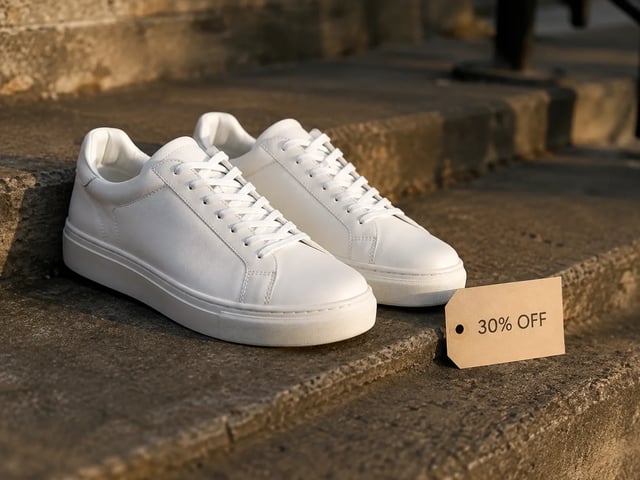
  • 퍼포먼스 광고 정지 이미지 — 30% OFF 태그가 붙은 흰 스니커, 골든아워

    퍼포먼스 크리에이티브

    같은 레이아웃에 다른 제안 문구로 광고 히어로를 돌리세요. Grok Imagine Image 2.0이 타이포 가독성을 지켜 A/B 정지 이미지가 광고 계정에서도 완성된 느낌으로 보입니다.

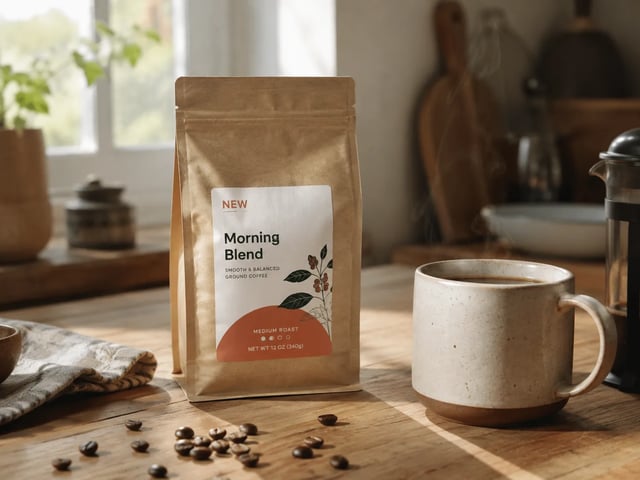
  • 브랜드 수정 정지 이미지 — 주방 테이블 위 NEW 배지가 붙은 커피 팩

    브랜드 마케팅 팀

    전체 구도를 다시 만들지 않고 이해관계자 수정을 내보내세요. 초안을 업로드하고 지적된 배지·소품·배경만 이미지 투 이미지하세요.

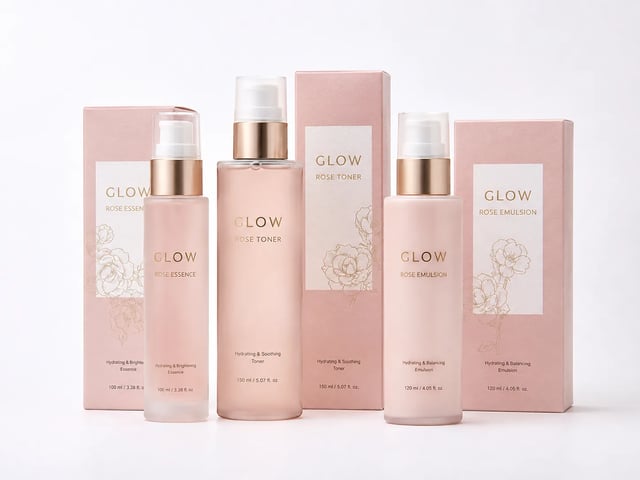
  • 이커머스 팩 패밀리 정지 이미지 — 매칭 GLOW 스킨케어 세트

    이커머스 머천 리드

    팔레트와 제품 정체성을 공유하는 팩 페이스·리스팅 타일을 만드세요. Grok Imagine Image 2.0을 유지해 세트가 한 브랜드처럼 읽히게 하세요.

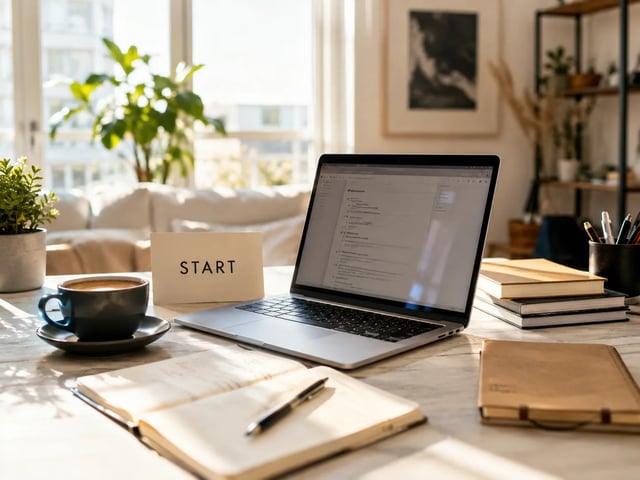
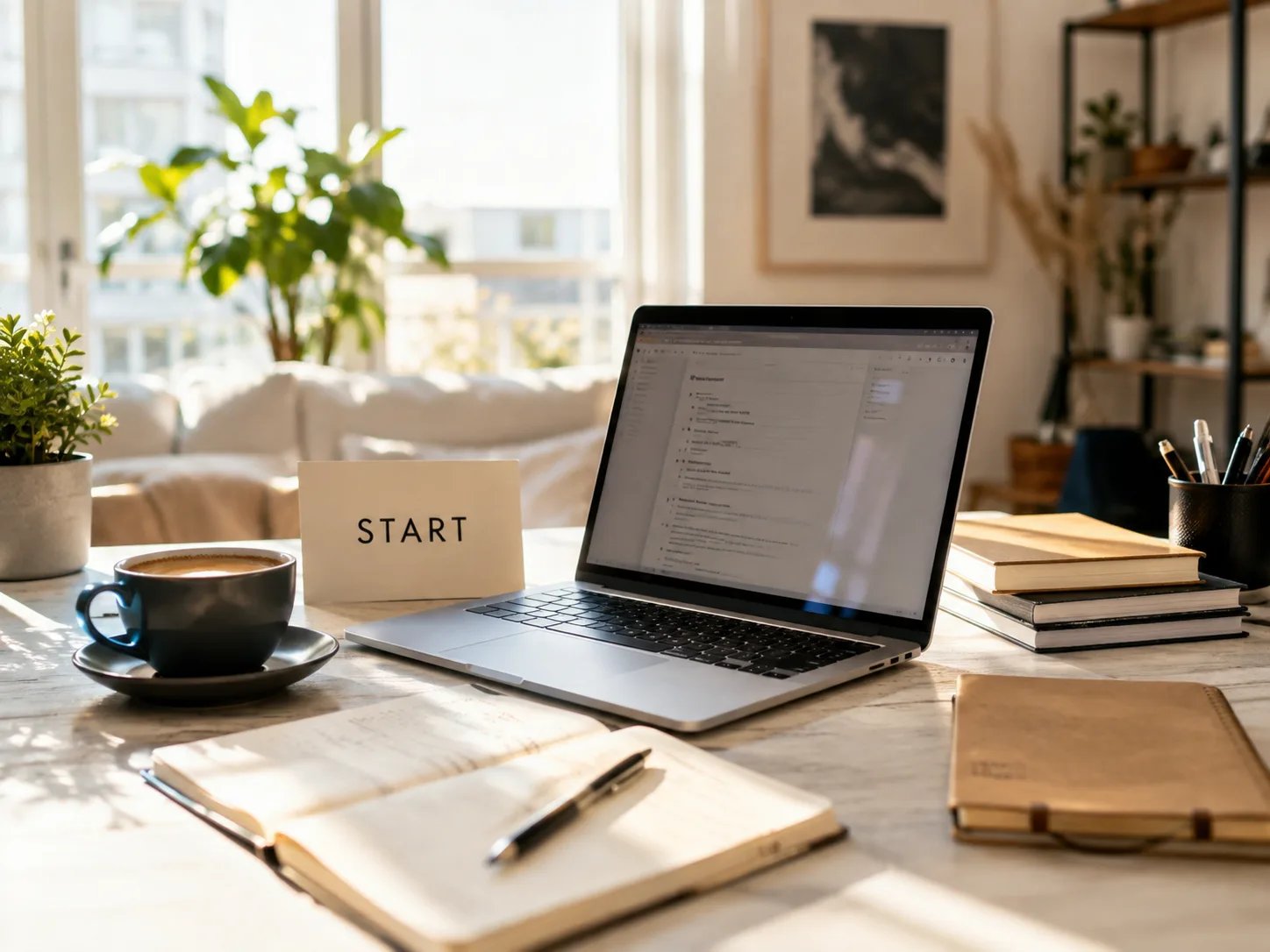
  • 파운더 랜딩 정지 이미지 — START 카드가 있는 햇살 책상 워크스페이스

    그로스 파운더

    디자인 채용 없이 랜딩 히어로와 발표 표지 초안을 잡으세요. Imagine Image에서 무료로 시작하고, 볼륨이나 상업 라이선스가 중요해지면 결제하세요.

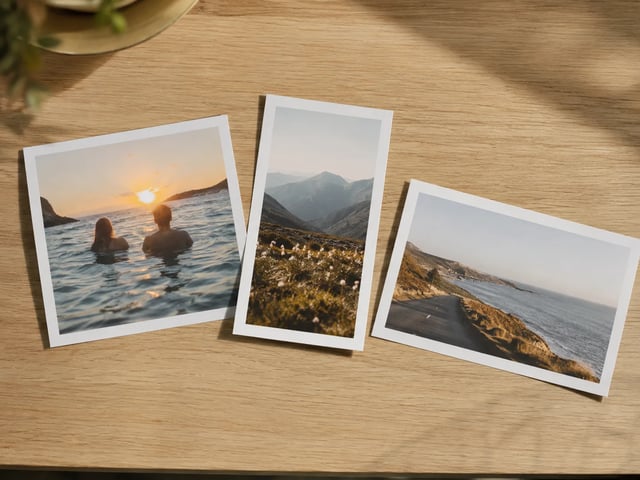
  • 오크 테이블 위에 펼친 멀티 비율 캠페인 인쇄물

    소셜 콘텐츠 리드

    한 Grok Imagine Image 2.0 컨셉으로 1:1 피드, 9:16 스토리, 16:9 발표 자료를 커버하세요. Imagine Image가 작업 흐름을 지켜 크롭이 데스크톱 여기저기로 흩어지지 않습니다.

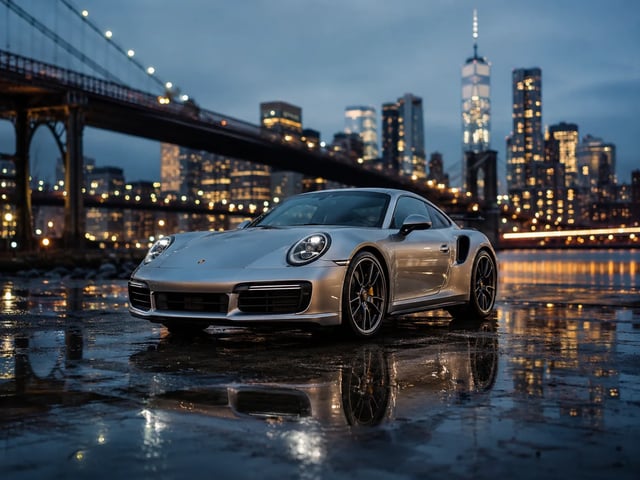
  • 에이전시 피치 키 비주얼 — 블루아워의 은색 스포츠카

    에이전시 피치 팀

    같은 날 완성된 느낌의 정지 이미지를 클라이언트에게 보여 주세요. 발표 자료용으로 다운로드하거나, 메모 후 기록을 다시 열어 프롬프트를 기억으로 재구성하지 마세요.

정지 이미지 작업대 역량

Imagine Image에서 Grok Imagine Image 2.0이 특히 잘하는 것

  • 캠페인 이미지 안 읽히는 텍스트

    Grok Imagine Image 2.0은 요청에 헤드라인, 가격 태그, UI 라벨이 있을 때 가장 강합니다. 그 문구를 프롬프트에 넣어 발표 자료·광고 슬롯에 바로 실을 수 있는 정지 이미지를 만드세요.

  • 한 줄 이미지 투 이미지 수정

    거의 완성된 이미지를 업로드하고 한 영역만 바꾸세요 — 배지, 배경, 소품 — 나머지는 유지됩니다. 이 작업대가 설계된 일상 리뷰 루프입니다.

  • 브랜드를 지키는 멀티 타일 세트

    Grok Imagine Image 2.0을 선택한 채 프롬프트를 반복해 캐러셀 타일과 SKU 패밀리 전반에서 팔레트, 피사체, 타이포 톤을 맞추세요.

  • 텍스트 투 이미지와 이미지 투 이미지를 함께

    같은 생성기에서 빈 프롬프트 또는 레퍼런스 사진으로 시작하세요. 캠페인 정지 이미지를 다시 스타일링하려고 두 번째 설치나 별도 계정이 필요 없습니다.

  • /image를 떠나지 않고 다른 모델

    초안에 다른 스타일이 필요할 때 Grok Imagine, GPT Image 2, Nano Banana 등이 모델 목록에 있습니다. 레이아웃 중심 작업의 기본 선택은 Grok Imagine Image 2.0입니다.

  • 실패한 실행은 자동 환불

    타임아웃, 서버 오류, 필터는 크레딧을 돌려줍니다. 실제로 받은 정지 이미지에만 사용합니다.

Imagine Image의 Grok Imagine Image 2.0 FAQ

Imagine Image에서 Grok Imagine Image 2.0이란?

Grok Imagine Image 2.0은 Imagine Image의 기본 정지 이미지 모델입니다. /image에서 캠페인 히어로, 리뷰 수정, 멀티 타일 세트에 실행합니다 — 위 생성기를 열어 무료로 시작하세요.

Grok Imagine Image 2.0을 무료로 써 볼 수 있나요?

신규 계정은 정지 이미지 작업대를 열 무료 크레딧을 받습니다. 시작에 신용 카드는 필요 없습니다. 볼륨이나 상업 라이선스가 중요해지면 크레딧을 더 사거나 구독하세요.

Grok Imagine Image 2.0은 이미지 안 텍스트를 잘 다루나요?

네 — 여기 기본값인 핵심 이유입니다. 포스터, 팩, UI 목업에는 정확한 문구를 프롬프트에 넣으세요. 길이와 언어에 따라 결과가 달라지니 짧은 라벨부터 반복하세요.

이미지 투 이미지 리뷰 수정은 어떻게 되나요?

레퍼런스 정지 이미지를 업로드하고, 바꾸고 싶은 영역만 설명한 뒤 Grok Imagine Image 2.0 선택 상태로 실행하세요. 장면의 나머지는 전체 재생성보다 원본에 더 가깝게 유지됩니다.

광고·클라이언트 작업용으로 내보낼 수 있나요?

유료 플랜에는 광고, 제품, 클라이언트 납품용 상업 라이선스가 포함됩니다. 무료 요금제 정지 이미지는 플랜에 달리 명시되지 않는 한 개인 테스트용입니다 — 법적 페이지를 확인하세요.

여기에서 애니메이션을 해야 하나요?

아니요. /image는 정지 이미지용입니다. 움직일 히어로가 준비되면 /video를 열고 그 정지 이미지를 첫 프레임으로 Grok Imagine Video(또는 다른 비디오 모델)를 쓰세요.

언제 Grok Imagine Image 2.0에서 벗어나야 하나요?

레이아웃 중심 캠페인 정지 이미지에는 Grok Imagine Image 2.0을 유지하세요. 요청이 다른 속도나 스타일 계열을 원할 때 바꾸세요 — 모델 목록이 프롬프트와 레퍼런스를 유지합니다.

생성이 중간에 실패하면?

서버 오류, 타임아웃, 콘텐츠 필터 시 크레딧이 자동 환불됩니다. 더 명확한 프롬프트나 더 단순한 영역 수정으로 다시 실행하세요.

다음 캠페인 정지 이미지를 Grok Imagine Image 2.0으로

Imagine Image 정지 이미지 작업대 · 텍스트 투 이미지 · 이미지 투 이미지 — 무료 시작, 카드 불필요.