Limited-Time 30% OFF!Get Offer

Grok Imagine Image 2.0 Campaign Stills Desk on Imagine Image Grok Imagine Image 2.0

Text to image and image to image with Image 2.0 preselected — first heroes, one-note review fixes, and multi-tile sets in one library.

This /image route is Imagine Image’s stills desk for Grok Imagine Image 2.0: turn a media brief into a downloadable frame, patch the detail stakeholders asked for, and keep variants in the same history. Free credits open the desk — no card required. Switch models only when the brief wants a different look.

  • Headline text that stays readable on the frame
  • One-change image-to-image after review
  • Carousel and pack sets in one thread
  • Free credits to open — no card
Grok Imagine Image 2.0 product hero — left soft type, right porcelain camera sculpture
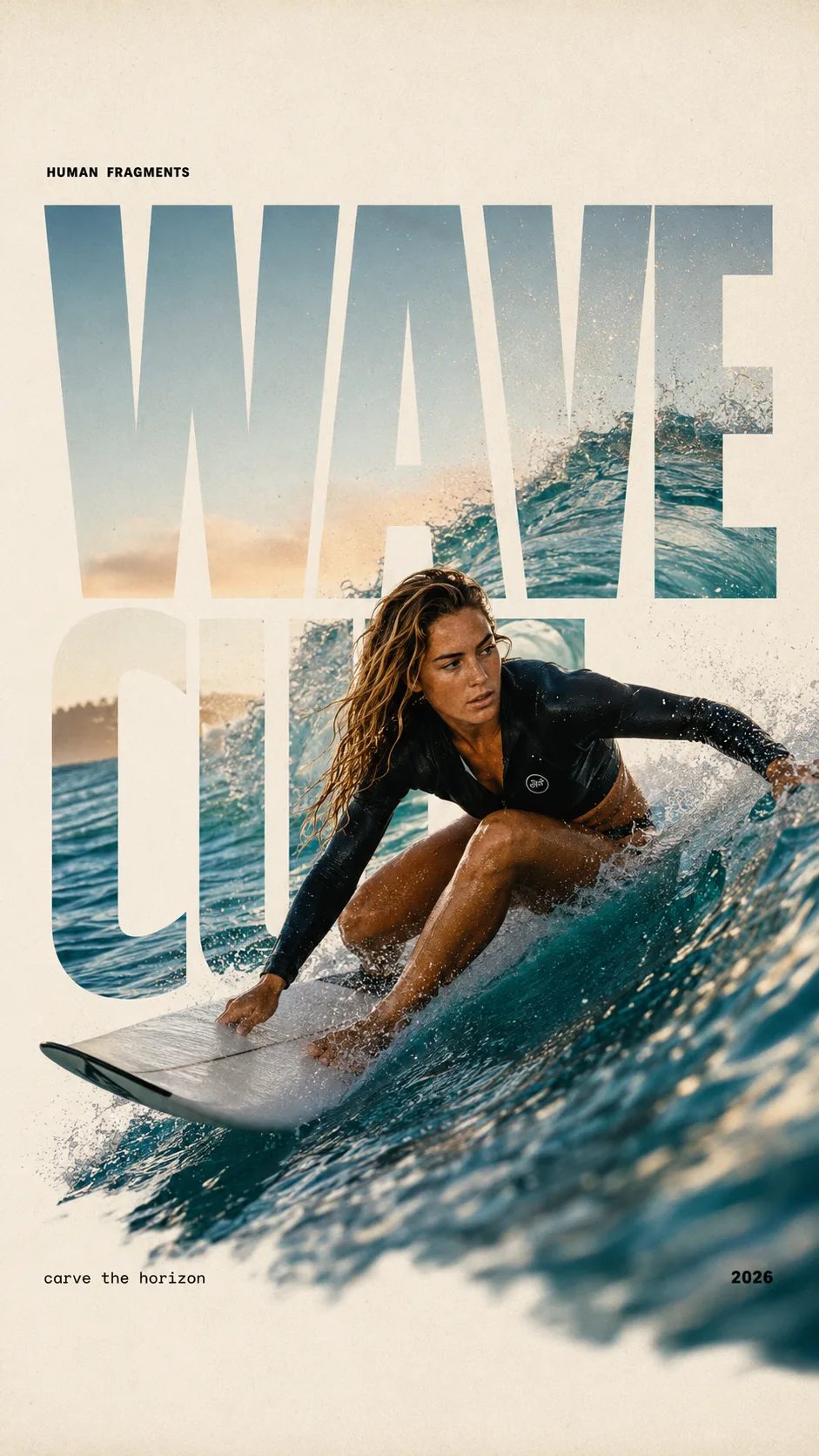
HUMAN FRAGMENTS editorial poster sample

Create a 9:16 editorial poster in the HUMAN FRAGMENTS visual system. Theme: [surfing / basketball / boxing / cake decorating] Subject: [gender, age, appearance, outfit] Action: [specific movement or handcraft] Scene: [location and environment] Title: [custom two-word title] Supporting line: [one short phrase] Year: 2026 Use oversized cropped typography as the main structural framework. The letters should act as windows that reveal the surrounding environment, while the main person remains visually complete in front of the type. Do not let the letters cut through the face, torso, arms, thighs, or other important parts of the body. Let one key action element break beyond the typography to create strong depth: 1. WAVE CUT — a surfer carving across a rising wave, with the board nose, hand, water spray, and curled wave breaking outside the letters. 2. RIM RISE — a basketball player reaching toward the hoop from a camera placed above the rim, with the basketball, hand, and hoop fully outside the letter masks and aligned naturally. 3. IMPACT FRAME — a boxer throwing a straight punch toward the camera, with the foreground glove enlarged and breaking beyond the typography while the gym remains inside the letters. 4. SOFT SWIRL — a graceful young woman decorating a cake, with the piping bag, hands, cake, and cream details extending beyond the letters while the bakery interior appears inside the type. Use realistic photography, believable anatomy, natural skin texture, strong foreground perspective, subtle paper grain, a warm off-white background, restrained colors, and clean editorial spacing. Keep the text minimal and freely placed: [Title] HUMAN FRAGMENTS [Short supporting line] 2026

Create a 9:16 editorial poster in the HUMAN FRAGMENTS visual system. Theme: [surfing / basketball / boxing / cake decorating] Subject: [gender, age, appearance, outfit] Action: [specific movement or handcraft] Scene: [location and environment] Title: [custom two-word title] Supporting line: [one short phrase] Year: 2026 Use oversized cropped typography as the main structural framework. The letters should act as windows that reveal the surrounding environment, while the main person remains visually complete in front of the type. Do not let the letters cut through the face, torso, arms, thighs, or other important parts of the body. Let one key action element break beyond the typography to create strong depth: 1. WAVE CUT — a surfer carving across a rising wave, with the board nose, hand, water spray, and curled wave breaking outside the letters. 2. RIM RISE — a basketball player reaching toward the hoop from a camera placed above the rim, with the basketball, hand, and hoop fully outside the letter masks and aligned naturally. 3. IMPACT FRAME — a boxer throwing a straight punch toward the camera, with the foreground glove enlarged and breaking beyond the typography while the gym remains inside the letters. 4. SOFT SWIRL — a graceful young woman decorating a cake, with the piping bag, hands, cake, and cream details extending beyond the letters while the bakery interior appears inside the type. Use realistic photography, believable anatomy, natural skin texture, strong foreground perspective, subtle paper grain, a warm off-white background, restrained colors, and clean editorial spacing. Keep the text minimal and freely placed: [Title] HUMAN FRAGMENTS [Short supporting line] 2026
Why Imagine Image Defaults to Grok Imagine Image 2.0 Here

Searchers land on this page when they need a still they can put in a deck or ad account today — not a brand story and not a video render. Grok Imagine Image 2.0 is the house default because campaign work needs readable type, controlled image-to-image fixes, and consistent multi-tile output. Imagine Image keeps that model preselected so you open the desk and run, with free credits for a first try.

| Grok Imagine Image 2.0 | text to image | image to image | campaign stills | browser image desk |

Campaign workflow

From Brief to a Saved Grok Imagine Image 2.0 Still

Three moves on /image — motion stays on /video.

  1. 1

    Leave Grok Imagine Image 2.0 on for layout work

    The picker defaults to Grok Imagine Image 2.0. Keep it for heroes, packs, and UI-style boards with labels. Switch only when the brief wants a different speed or style family.

  2. 2

    Prompt the brief — or upload a frame to fix

    For text to image, name composition, light, and on-frame words. For image to image, upload the near-final still and describe only the change so the rest of the campaign frame holds.

  3. 3

    Save, branch ratios, then hand off to motion

    Download for the deck or reopen history for a new crop. When a hero must move, take the still to /video with Grok Imagine Video — do not force animation on this page.

Campaign Jobs Where Grok Imagine Image 2.0 Fits on Imagine Image

Concrete still outputs for marketing throughput — different cast from the video hub.

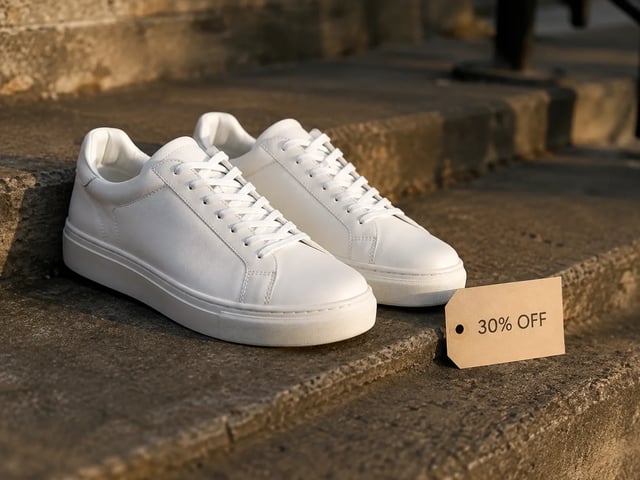
  • Performance ad still — white sneakers with 30% OFF tag, golden hour

    Performance creatives

    Spin ad heroes with different offer lines on the same layout. Grok Imagine Image 2.0 keeps type readable so A/B stills look finished in the ad account.

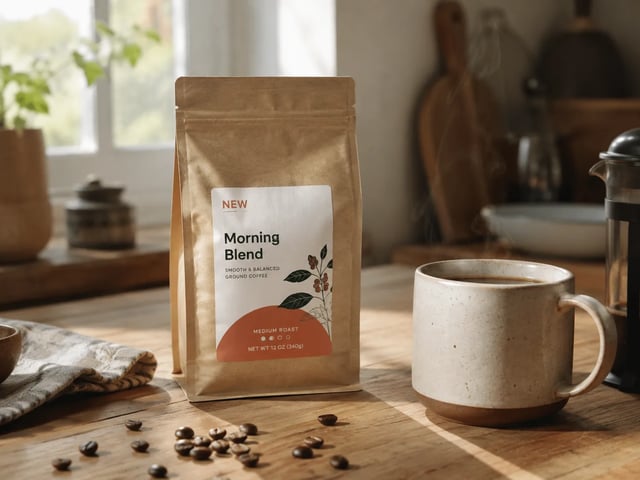
  • Brand revision still — coffee pack with NEW badge on kitchen table

    Brand marketing pods

    Ship the stakeholder fix without remaking the whole composition. Upload the draft and image-to-image the badge, prop, or backdrop they called out.

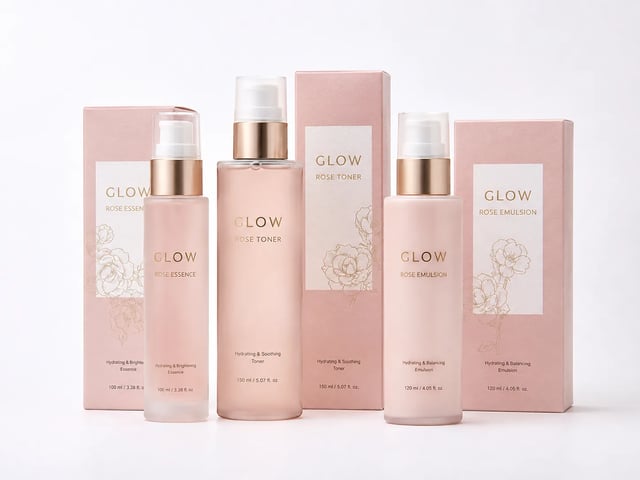
  • Ecommerce pack family still — matching GLOW skincare set

    Ecommerce merch leads

    Build pack faces and listing tiles that share palette and product identity. Keep Grok Imagine Image 2.0 selected so the set reads as one brand.

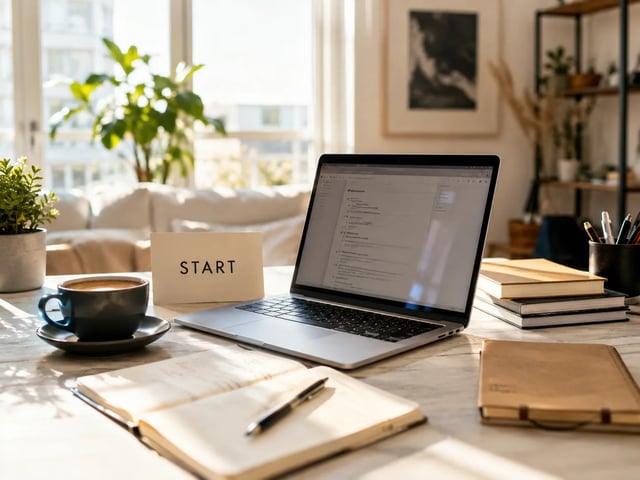
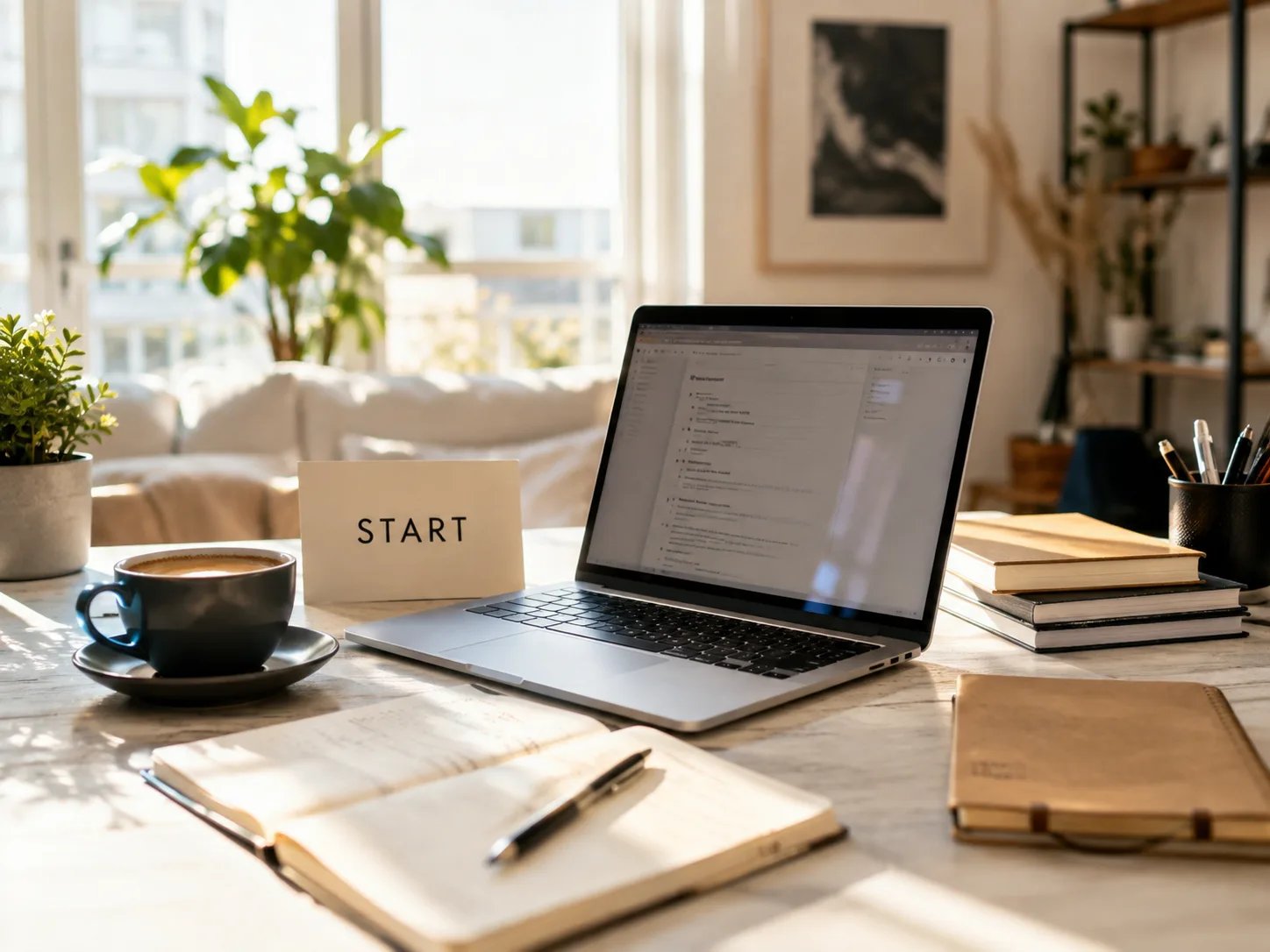
  • Founder landing still — sunlit desk workspace with START card

    Growth founders

    Draft landing heroes and deck covers without a design hire. Start free on Imagine Image, then pay when volume or commercial licensing matters.

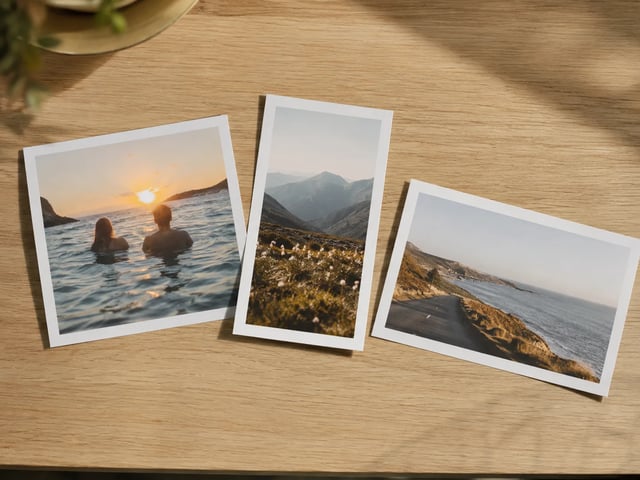
  • Multi-ratio campaign prints laid on oak table

    Social content leads

    Cover 1:1 feed, 9:16 story, and 16:9 deck from one Grok Imagine Image 2.0 concept. Imagine Image keeps the thread so crops do not scatter across desktops.

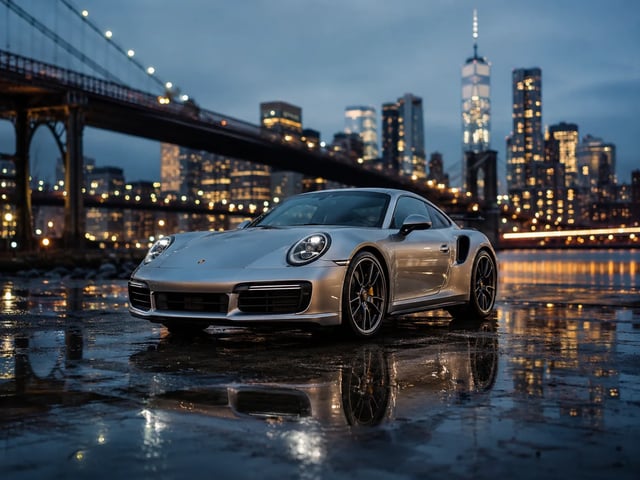
  • Agency pitch key visual — silver sports car at blue hour

    Agency pitch teams

    Show a client a finished-looking still the same day. Download for the deck, or reopen history after notes without rebuilding the prompt from memory.

Stills desk capabilities

What Grok Imagine Image 2.0 Emphasizes on Imagine Image

  • Readable text inside campaign frames

    Grok Imagine Image 2.0 is strongest when the brief includes headlines, price tags, or UI labels. Write those words into the prompt so the still can ship to a deck or ad slot.

  • One-note image-to-image revisions

    Upload a near-final frame and change one region — badge, backdrop, or prop — while the rest holds. That is the everyday review loop this desk is built for.

  • Multi-tile sets that stay on brand

    Iterate prompts with Grok Imagine Image 2.0 selected so palette, subject, and type language stay related across carousel tiles and SKU families.

  • Text to image and image to image together

    Start from a blank prompt or a reference photo in the same generator. No second install and no separate account just to restyle a campaign still.

  • Other models without leaving /image

    Grok Imagine, GPT Image 2, Nano Banana, and more stay in the picker when a draft needs a different look. Grok Imagine Image 2.0 remains the house default for layout-heavy work.

  • Failed runs refund automatically

    Timeouts, server errors, or filters return credits. You only spend on stills you actually receive.

FAQ for Grok Imagine Image 2.0 on Imagine Image

What is Grok Imagine Image 2.0 on Imagine Image?

Grok Imagine Image 2.0 is the house stills model on Imagine Image. This /image hub is where you run it for campaign heroes, review fixes, and multi-tile sets — open the generator above to start free.

Is Grok Imagine Image 2.0 free to try?

New accounts get free credits to open the stills desk. No credit card is required to start. Buy more credits or subscribe when volume or commercial licensing matters.

Does Grok Imagine Image 2.0 handle text inside the image well?

Yes — that is a core reason it is the default here. Put exact words in the prompt for posters, packs, and UI mockups. Results vary with length and language, so iterate on short labels first.

How do image-to-image review fixes work?

Upload a reference still, describe only the region you want changed, and run with Grok Imagine Image 2.0 selected. The rest of the scene should stay closer to the original than a full re-roll.

Can I export for ads and client work?

Paid plans include commercial licensing for ads, products, and client deliverables. Free-tier stills are for personal testing unless your plan states otherwise — check the legal pages.

Should I animate on this page?

No. /image is for stills. When you have a hero ready to move, open /video and use Grok Imagine Video (or another video model) with that still as a first frame.

When should I switch away from Grok Imagine Image 2.0?

Stay on Grok Imagine Image 2.0 for layout-heavy campaign stills. Switch when the brief wants a different speed or aesthetic family — the picker keeps your prompt and reference loaded.

What if a generation fails midway?

Credits refund automatically on server errors, timeouts, or content filters. Re-run with a clearer prompt or a simpler region edit.

Make Your Next Campaign Still with Grok Imagine Image 2.0

Imagine Image stills desk · text to image · image to image — start free, no card.