
Paid media leads
Spin landing and ad heroes for A/B tests while the design queue stays on higher-leverage work.
A browser campaign desk preloaded with Grok Imagine Image 2.0: turn a media brief into first heroes, fix one detail with image-to-image, and keep every variant in the same library. Free credits to open — no card on the door.
Imagine Image optimizes for marketing throughput: a first hero before standup, a controlled fix before the deck, and a series that still looks like one brand.
Paste the offer line, audience, and layout notes. Grok Imagine Image 2.0 on Imagine Image drafts a landing or ad hero you can critique in the same tab as history — no handoff between chat apps and download folders.

Creative review rarely wants a brand-new composition — it wants a different badge, prop, or backdrop. Upload the near-final frame and run image-to-image with Grok Imagine Image 2.0 so the rest of the still holds while that one change lands.

When you need three tiles or a SKU family, keep Grok Imagine Image 2.0 selected and iterate prompts so palette, subject, and type language stay related. Imagine Image stores the thread so the set does not scatter across desktops.
Four short moves on Imagine Image — built for marketing iteration, not a one-click lottery.
Drop offer copy, mood, and any words that must print on the frame. Attach a product or logo reference when the SKU has to stay locked.
Imagine Image preselects Grok Imagine Image 2.0 for Quality-class stills. Reach for another model only when the brief wants a different speed or aesthetic family.
Generate a first hero, collect the redlines, and image-to-image the details instead of burning the whole composition for a single note.
Download for the deck, or reopen history later for a new ratio, A/B fork, or second placement without rebuilding the prompt from memory.
Studio toolkit
Imagine Image is a campaign-facing stills desk. These six moves are how teams actually use Grok Imagine Image 2.0 here — from first prompt to shelf-ready variants — without turning the page into a model-spec dump.
Write the scene once: composition, light, and the words that must appear on the frame. On Imagine Image, Grok Imagine Image 2.0 is the default engine for landing heroes, promo cards, and UI mock stills where mushy lettering kills the brief.
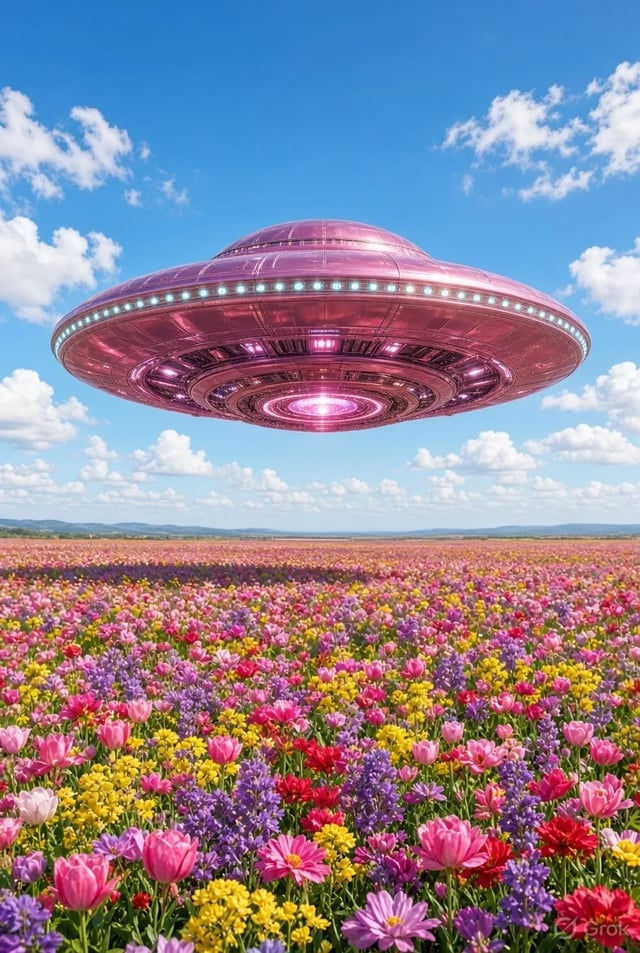
When the composition is right but a badge, prop, or backdrop is wrong, upload the draft and ask for that single fix. Grok Imagine Image 2.0’s strength on local, instruction-tight edits is why Imagine Image treats image-to-image as the everyday revision loop — not a last-resort gamble.
Drop several references into one job when a SKU, face, or style board has to stay recognisable. Grok Imagine Image 2.0 multi-input consistency is how Imagine Image supports pack shots, carousel tiles, and character boards that look like one series instead of six random samples.
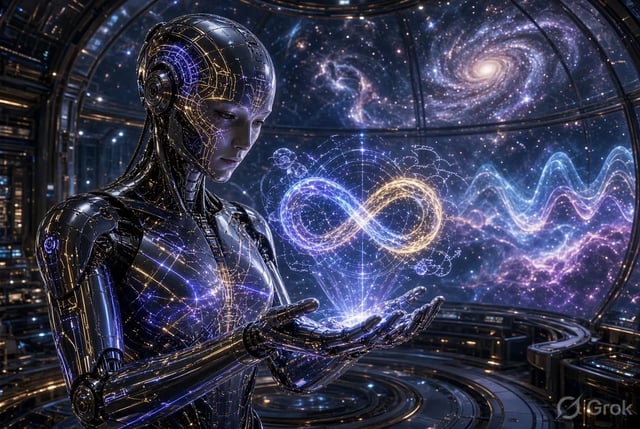
Ship the same Grok Imagine Image 2.0 idea as 1:1 feed art, 9:16 story covers, and 16:9 deck slides. Imagine Image’s ratio controls + Image 2.0 reframe behaviour let you cover placements without rewriting the brief for each crop.

Need the product to own the frame? Prompt Grok Imagine Image 2.0 toward a clean cut, soft studio ground, or neutral plate. Imagine Image uses that path for marketplace tiles and collage layers where busy backdrops steal attention.
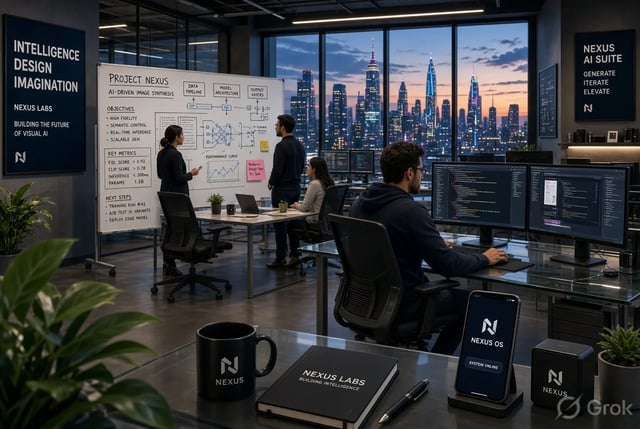
Reopen yesterday’s Grok Imagine Image 2.0 outputs, branch a new ratio, or compare A/B heroes without hunting local downloads. Imagine Image keeps Image 2.0 preselected for Quality-class stills; free credits first, other models only when the brief wants a different look.
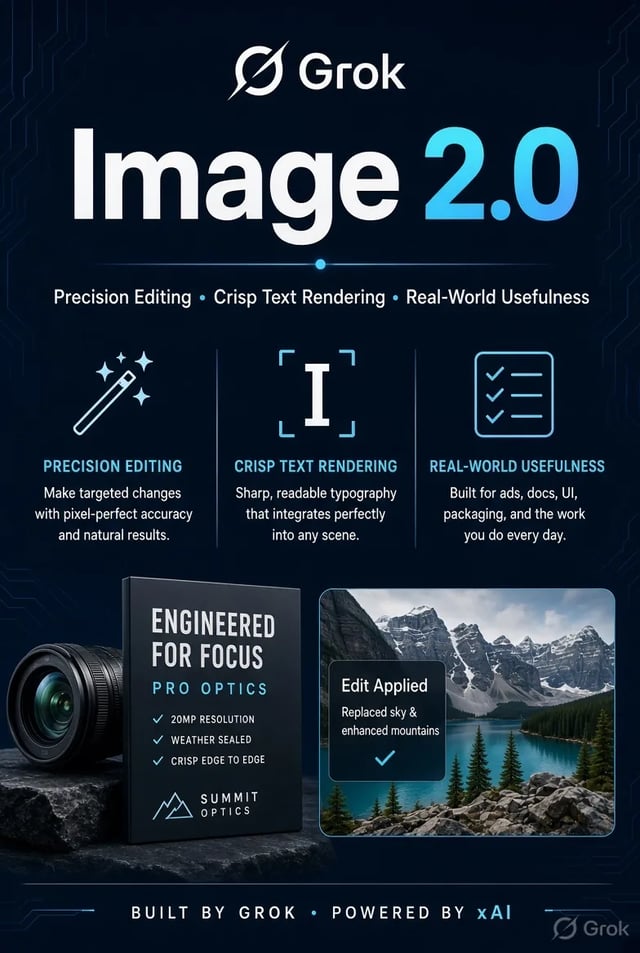
2.0 vs previous
A buyer-side read of what changed between Grok Imagine Image 2.0 and the earlier Imagine image model. Written for Imagine Image visitors deciding which default to keep on /image — unique copy, not a mirror of other Grok Imagine Image 2.0 landing pages.
| When to choose it on Imagine Image | Default choice for briefs that must leave the browser as usable assets | Optional when you want older aesthetics or a lighter exploratory pass |
|---|---|---|
| What “done” looks like | A still a marketer can drop into a landing test, PDP, or deck with light polish | A mood sample or style fork you may still rebuild for production |
| How you revise | Local, instruction-tight changes: swap one object, fix a label, keep the rest stable | Mostly whole-frame re-rolls; fine region control is harder to trust |
| Type & dense layouts | Built for posters, price tags, UI chrome, and multi-panel boards with readable words | Prefer soft portraits and atmosphere; small lettering often drifts |
| How many references you can lean on | Designed for multi-image jobs (commonly discussed up to five references) so SKUs and faces stay consistent | Thinner reference budget; series identity slips more easily |
| Placement & stage control | Stronger reframe across social/deck ratios plus clean-background style results for listings | New crops and stages usually mean regenerating the whole idea |
| Following the brief | Tighter obedience on small constraints and better identity hold between edits | More playful variance — great for discovery, riskier for brand locks |
| Public quality signal (mid-2026 launch chatter) | Widely discussed as top-tier on both generation and edit leaderboards around launch week | Previous generation; not the dual-board peak associated with 2.0 |
| Typical Imagine Image jobs | Performance heroes, pack shots, labeled creatives, multi-tile carousels | Mood boards, speed sketches, or matching an older Grok Imagine look |
| How Imagine Image ships it | Preselected as Grok Imagine Image 2.0 on the free /image path | Available when you deliberately switch models in the picker |
Searchers arrive for Grok Imagine Image 2.0; Imagine Image answers with a campaign desk, a free door, and a brand that is not pretending to be the model vendor.
Hit /image and run. Imagine Image does not put a waitlist between a media brief and a first Grok Imagine Image 2.0 still.
Homepage energy pushes campaign stills. Need a clip later? /video is one click, same login — not a second product to relearn.
Sign in with Google in a modern browser. Evaluate Grok Imagine Image 2.0 before anyone asks IT for a desktop package.
Prompt-first heroes and upload-first fixes live under the same credits pool so teams do not juggle two tools mid-review.
Use free credits on real briefs with Grok Imagine Image 2.0. Upgrade only when weekly still count outgrows the free path.
Imagine Image is independent. Grok Imagine Image 2.0 and other model names identify third-party capabilities, not an official xAI storefront.
Who sits at this desk
Roles that need campaign-grade stills fast — not a portfolio gallery of random styles.
Spin landing and ad heroes for A/B tests while the design queue stays on higher-leverage work.
Draft seasonal lifestyle and pack stills with Grok Imagine Image 2.0 before the photoshoot calendar opens.
Block scene frames and cover art for the week’s calendar without booking a full set day.
Show clients three Grok Imagine Image 2.0 directions in one shareable library before polish hours.
Keep draft stills next to evolving guidelines so regional teams pull the same thread.
Ship thumbnails and launch covers on free credits without retaining a studio month-to-month.
Imagine Image is an independent browser campaign desk whose default stills engine is Grok Imagine Image 2.0 (slug grok-imagine-image-2), with other models available in the same picker.
It is the preselected model on /image for text-to-image and image-to-image. Product chrome says Imagine Image; the model label people search for is Grok Imagine Image 2.0.
No. Imagine Image is not owned, endorsed, or sponsored by xAI. Model names are trademarks of their owners and appear only to identify the capability we route.
Yes. Starter credits open without a card. Paid plans and packs add volume when free quota is no longer enough.
Prompt-first generation and upload-first revisions on /image. Use whichever fits the brief — empty canvas heroes or patching a near-final frame.
No. Sign in with Google in a current browser; the full Grok Imagine Image 2.0 stills path runs there.
Stills stay the homepage priority. When a frame is ready to move, open /video under the same account and free-tier rules.
Each run spends credits according to site pricing. Free quota, subscriptions, and packs all feed the same balance on Imagine Image.
Imagine Image keeps the campaign library, free credits, and Image 2.0 default in one browser tab.