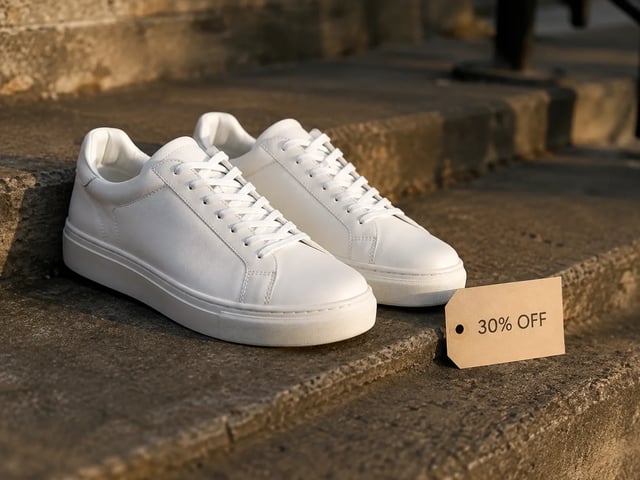
Performance creatives
Spin ad heroes with different offer lines on the same layout. Grok Imagine Image 2.0 keeps type readable so A/B stills look finished in the ad account.
 Imagine Image
Text to image and image to image with Image 2.0 preselected — first heroes, one-note review fixes, and multi-tile sets in one library.
People open the text-to-image desk when they need a still they can put in a deck or ad account today — not a brand story and not a video render. Grok Imagine Image 2.0 is the house default because campaign work needs readable type, controlled image-to-image fixes, and consistent multi-tile output. Imagine Image keeps that model preselected so you open the desk and run, with free credits for a first try.
Three moves on /text-to-image — motion stays on /video.
The picker defaults to Grok Imagine Image 2.0. Keep it for heroes, packs, and UI-style boards with labels. Switch only when the brief wants a different speed or style family.
For text to image, name composition, light, and on-frame words. For image to image, upload the near-final still and describe only the change so the rest of the campaign frame holds.
Download for the deck or reopen history for a new crop. When a hero must move, take the still to /text-to-video with Grok Imagine Video — do not force animation into a still.
Concrete still outputs for marketing throughput — different cast from the video hub.
Spin ad heroes with different offer lines on the same layout. Grok Imagine Image 2.0 keeps type readable so A/B stills look finished in the ad account.
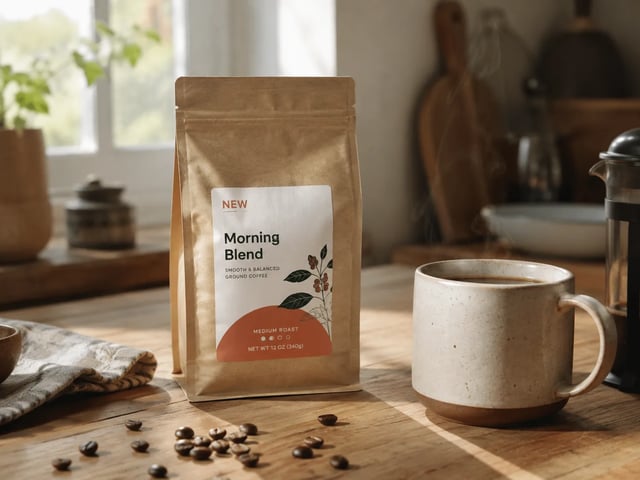
Ship the stakeholder fix without remaking the whole composition. Upload the draft and image-to-image the badge, prop, or backdrop they called out.
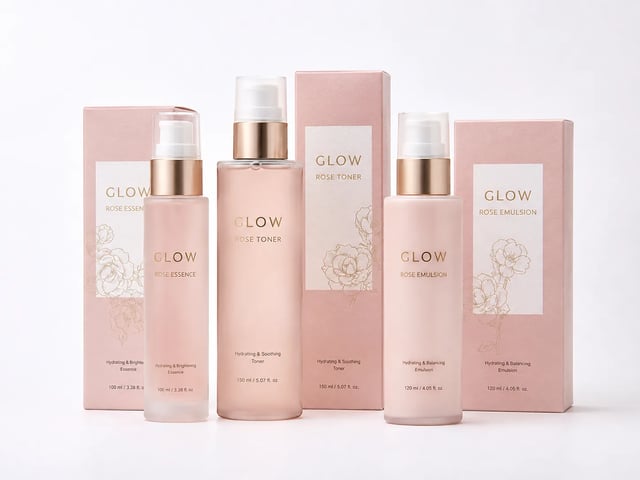
Build pack faces and listing tiles that share palette and product identity. Keep Grok Imagine Image 2.0 selected so the set reads as one brand.
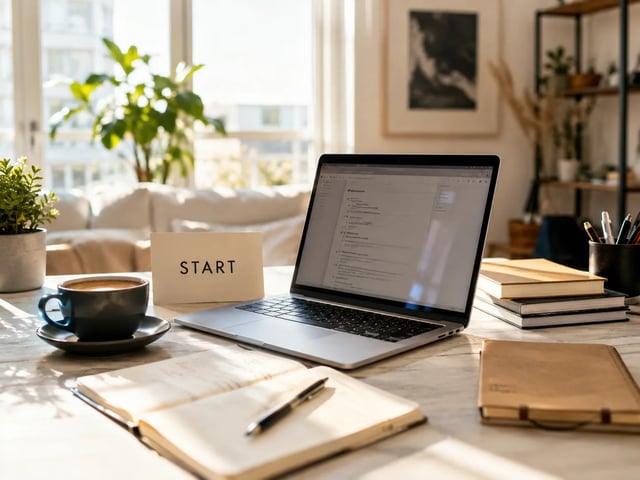
Draft landing heroes and deck covers without a design hire. Start free on Imagine Image, then pay when volume or commercial licensing matters.
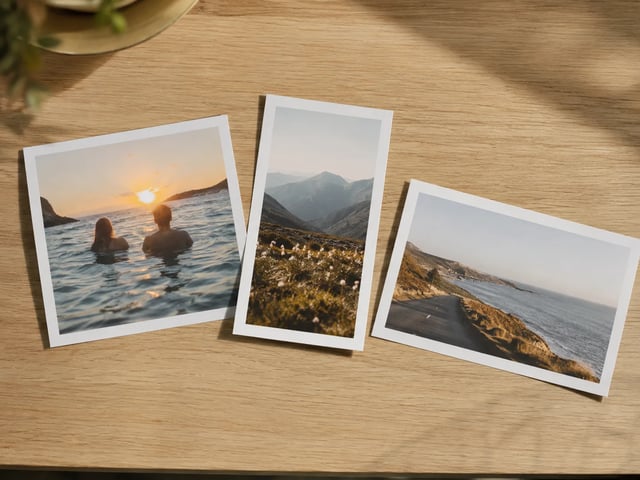
Cover 1:1 feed, 9:16 story, and 16:9 deck from one Grok Imagine Image 2.0 concept. Imagine Image keeps the thread so crops do not scatter across desktops.
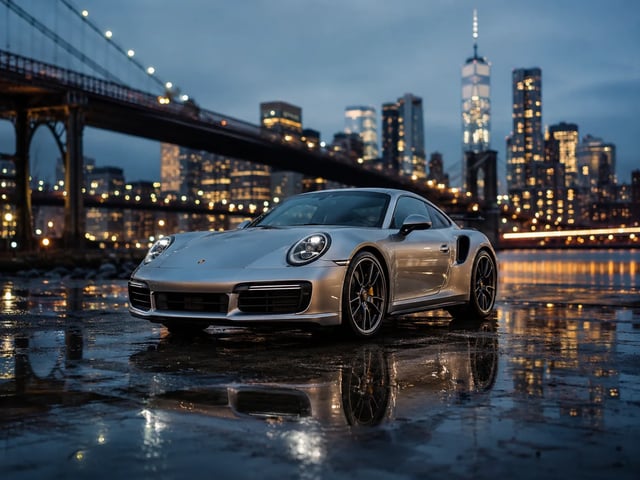
Show a client a finished-looking still the same day. Download for the deck, or reopen history after notes without rebuilding the prompt from memory.
Grok Imagine Image 2.0 is strongest when the brief includes headlines, price tags, or UI labels. Write those words into the prompt so the still can ship to a deck or ad slot.
Upload a near-final frame and change one region — badge, backdrop, or prop — while the rest holds. That is the everyday review loop this desk is built for.
Iterate prompts with Grok Imagine Image 2.0 selected so palette, subject, and type language stay related across carousel tiles and SKU families.
Start from a blank prompt or a reference photo in the same generator. No second install and no separate account just to restyle a campaign still.
Grok Imagine, GPT Image 2, Nano Banana, and more stay in the picker when a draft needs a different look. Grok Imagine Image 2.0 remains the house default for layout-heavy work.
Timeouts, server errors, or filters return credits. You only spend on stills you actually receive.
Grok Imagine Image 2.0 is the house stills model on Imagine Image. This /text-to-image hub is where you run it for campaign heroes, review fixes, and multi-tile sets — open the generator above to start free.
New accounts get free credits to open the stills desk. No credit card is required to start. Buy more credits or subscribe when volume or commercial licensing matters.
Yes — that is a core reason it is the default here. Put exact words in the prompt for posters, packs, and UI mockups. Results vary with length and language, so iterate on short labels first.
Upload a reference still, describe only the region you want changed, and run with Grok Imagine Image 2.0 selected. The rest of the scene should stay closer to the original than a full re-roll.
Paid plans include commercial licensing for ads, products, and client deliverables. Free-tier stills are for personal testing unless your plan states otherwise — check the legal pages.
No. /text-to-image is for stills. When you have a hero ready to move, open /text-to-video and use Grok Imagine Video (or another video model) with that still as a first frame.
Stay on Grok Imagine Image 2.0 for layout-heavy campaign stills. Switch when the brief wants a different speed or aesthetic family — the picker keeps your prompt and reference loaded.
Credits refund automatically on server errors, timeouts, or content filters. Re-run with a clearer prompt or a simpler region edit.
Keep working on Imagine Image — motion lives on /text-to-video, history in Assets.
Imagine Image stills desk · text to image · image to image — start free, no card.