Waktu terbatas diskon 30%!Dapatkan Penawaran

Meja Kerja Gambar Kampanye Grok Imagine Image 2.0 di Imagine Image Grok Imagine Image 2.0

Teks ke gambar dan gambar ke gambar dengan Image 2.0 sudah terpilih — hero pertama, perbaikan review satu catatan, dan set multi-tile dalam satu perpustakaan.

Di /image, Imagine Image menyediakan meja kerja still untuk Grok Imagine Image 2.0: ubah arahan media menjadi gambar yang bisa diunduh, tambal detail yang diminta stakeholder, dan simpan varian di riwayat yang sama. Kredit gratis membuka meja kerja — tanpa kartu. Ganti model hanya jika arahan minta tampilan berbeda.

  • Teks judul yang tetap terbaca di gambar
  • Gambar-ke-gambar satu perubahan setelah review
  • Set karusel dan kemasan dalam satu jejak
  • Kredit gratis untuk mulai — tanpa kartu
Hero produk Grok Imagine Image 2.0 — tipografi lembut di kiri, patung kamera porselen di kanan
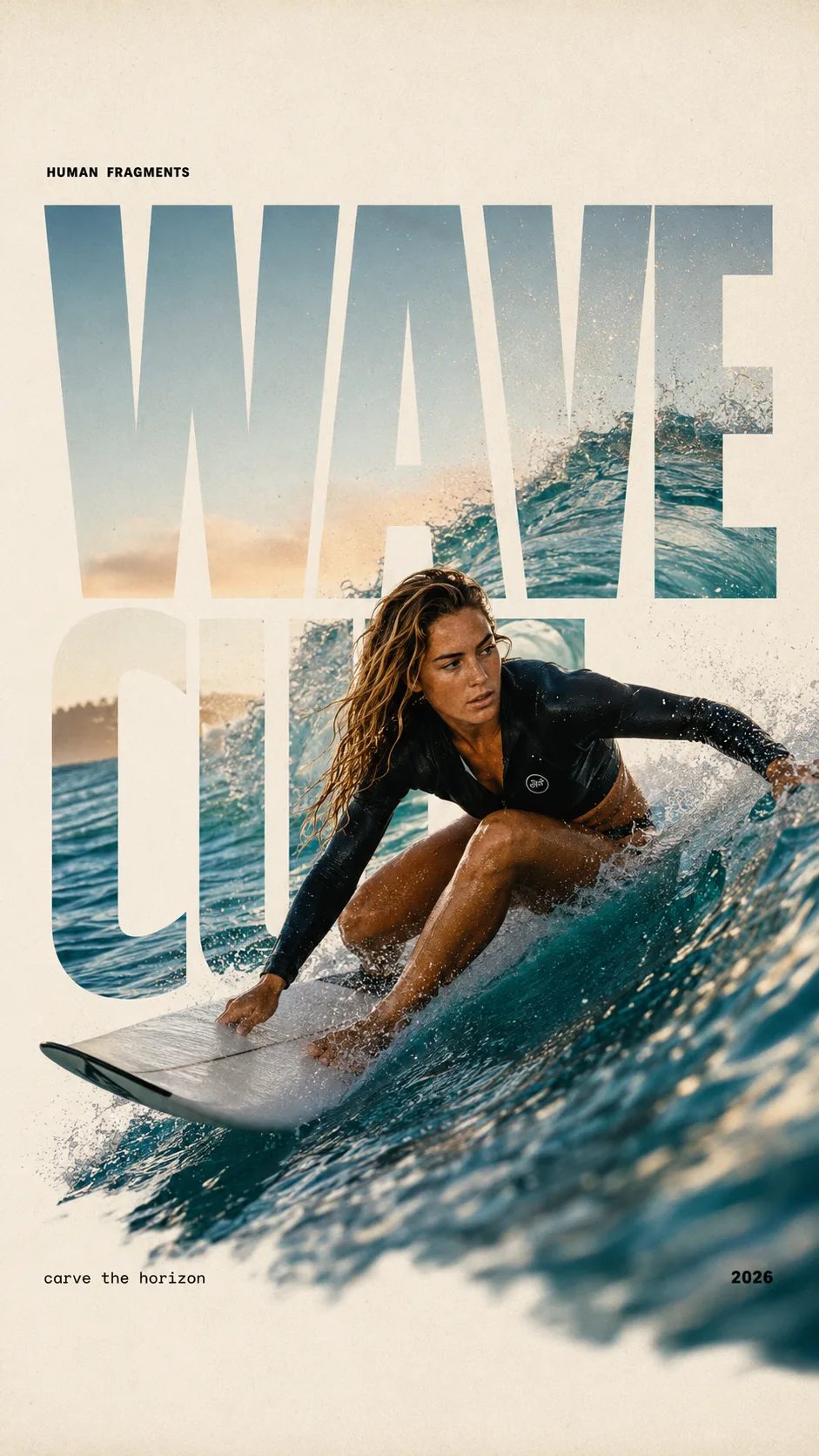
HUMAN FRAGMENTS editorial poster sample

Create a 9:16 editorial poster in the HUMAN FRAGMENTS visual system. Theme: [surfing / basketball / boxing / cake decorating] Subject: [gender, age, appearance, outfit] Action: [specific movement or handcraft] Scene: [location and environment] Title: [custom two-word title] Supporting line: [one short phrase] Year: 2026 Use oversized cropped typography as the main structural framework. The letters should act as windows that reveal the surrounding environment, while the main person remains visually complete in front of the type. Do not let the letters cut through the face, torso, arms, thighs, or other important parts of the body. Let one key action element break beyond the typography to create strong depth: 1. WAVE CUT — a surfer carving across a rising wave, with the board nose, hand, water spray, and curled wave breaking outside the letters. 2. RIM RISE — a basketball player reaching toward the hoop from a camera placed above the rim, with the basketball, hand, and hoop fully outside the letter masks and aligned naturally. 3. IMPACT FRAME — a boxer throwing a straight punch toward the camera, with the foreground glove enlarged and breaking beyond the typography while the gym remains inside the letters. 4. SOFT SWIRL — a graceful young woman decorating a cake, with the piping bag, hands, cake, and cream details extending beyond the letters while the bakery interior appears inside the type. Use realistic photography, believable anatomy, natural skin texture, strong foreground perspective, subtle paper grain, a warm off-white background, restrained colors, and clean editorial spacing. Keep the text minimal and freely placed: [Title] HUMAN FRAGMENTS [Short supporting line] 2026

Create a 9:16 editorial poster in the HUMAN FRAGMENTS visual system. Theme: [surfing / basketball / boxing / cake decorating] Subject: [gender, age, appearance, outfit] Action: [specific movement or handcraft] Scene: [location and environment] Title: [custom two-word title] Supporting line: [one short phrase] Year: 2026 Use oversized cropped typography as the main structural framework. The letters should act as windows that reveal the surrounding environment, while the main person remains visually complete in front of the type. Do not let the letters cut through the face, torso, arms, thighs, or other important parts of the body. Let one key action element break beyond the typography to create strong depth: 1. WAVE CUT — a surfer carving across a rising wave, with the board nose, hand, water spray, and curled wave breaking outside the letters. 2. RIM RISE — a basketball player reaching toward the hoop from a camera placed above the rim, with the basketball, hand, and hoop fully outside the letter masks and aligned naturally. 3. IMPACT FRAME — a boxer throwing a straight punch toward the camera, with the foreground glove enlarged and breaking beyond the typography while the gym remains inside the letters. 4. SOFT SWIRL — a graceful young woman decorating a cake, with the piping bag, hands, cake, and cream details extending beyond the letters while the bakery interior appears inside the type. Use realistic photography, believable anatomy, natural skin texture, strong foreground perspective, subtle paper grain, a warm off-white background, restrained colors, and clean editorial spacing. Keep the text minimal and freely placed: [Title] HUMAN FRAGMENTS [Short supporting line] 2026
Kenapa Imagine Image memakai Grok Imagine Image 2.0 di Sini

Pencari tiba di sini ketika butuh still yang bisa masuk dek atau akun iklan hari ini — bukan cerita merek dan bukan render video. Grok Imagine Image 2.0 adalah default Imagine Image karena kerja kampanye butuh tipografi yang terbaca, perbaikan gambar-ke-gambar yang terkontrol, dan output multi-tile yang konsisten. Imagine Image membiarkan model itu sudah terpilih supaya kamu buka meja kerja dan langsung jalan, dengan kredit gratis untuk percobaan pertama.

| Grok Imagine Image 2.0 | teks ke gambar | gambar ke gambar | still kampanye | meja kerja gambar di browser |

Alur kampanye

Dari Arahan ke Still Grok Imagine Image 2.0 yang Tersimpan

Tiga langkah di /image — gerak tetap di /video.

  1. 1

    Biarkan Grok Imagine Image 2.0 aktif untuk kerja layout

    Pemilih default ke Grok Imagine Image 2.0. Pertahankan untuk hero, kemasan, dan papan bergaya UI dengan label. Ganti hanya jika arahan minta kecepatan atau keluarga gaya yang berbeda.

  2. 2

    Tulis arahan — atau unggah gambar untuk diperbaiki

    Untuk teks ke gambar, sebutkan komposisi, cahaya, dan kata di dalam gambar. Untuk gambar ke gambar, unggah still yang hampir final dan jelaskan hanya perubahannya supaya sisa still kampanye tetap utuh.

  3. 3

    Simpan, cabangkan rasio, lalu serahkan ke gerak

    Unduh untuk dek atau buka lagi riwayat untuk crop baru. Ketika hero harus bergerak, bawa still ke /video dengan Grok Imagine Video — jangan paksakan animasi di sini.

Pekerjaan Kampanye di Mana Grok Imagine Image 2.0 Cocok di Imagine Image

Output still konkret untuk laju produksi pemasaran — orang dan tugas berbeda dari hub video.

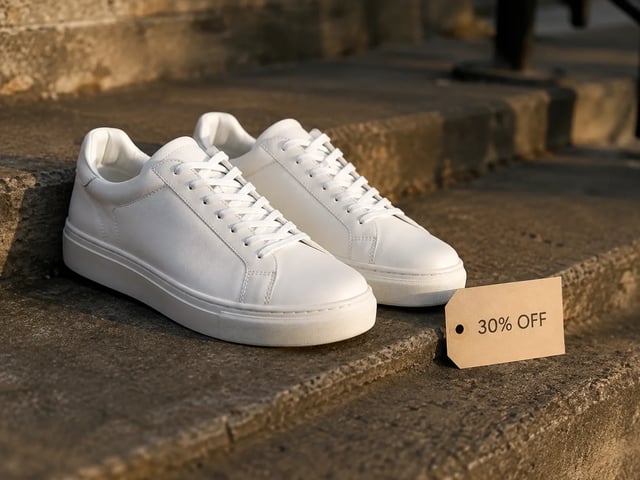
  • Still iklan performa — sneaker putih dengan tag 30% OFF, golden hour

    Kreator performa

    Putar hero iklan dengan baris penawaran berbeda pada layout yang sama. Grok Imagine Image 2.0 menjaga tipografi terbaca supaya still A/B terlihat selesai di akun iklan.

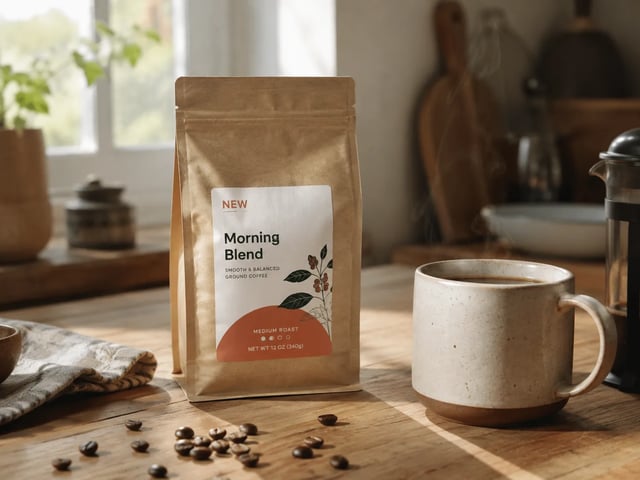
  • Still revisi merek — kemasan kopi dengan badge NEW di meja dapur

    Tim pemasaran merek

    Kirim perbaikan stakeholder tanpa membuat ulang seluruh komposisi. Unggah draf lalu gambar-ke-gambar badge, properti, atau latar yang mereka sebut.

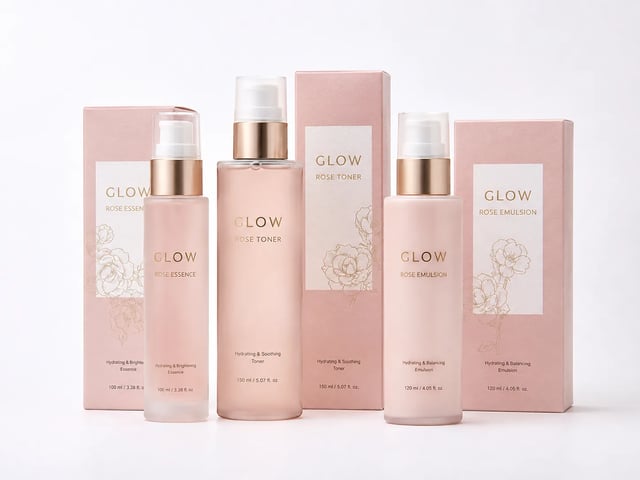
  • Still keluarga kemasan e-commerce — set skincare GLOW yang serasi

    Lead merch e-commerce

    Bangun wajah kemasan dan tile listing yang berbagi palet dan identitas produk. Biarkan Grok Imagine Image 2.0 terpilih supaya set terbaca sebagai satu merek.

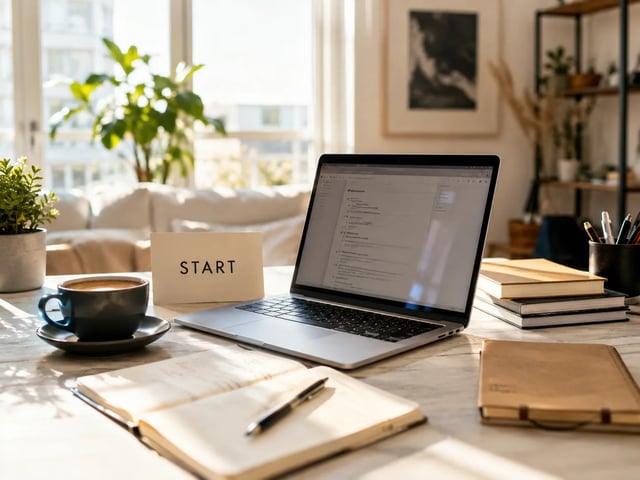
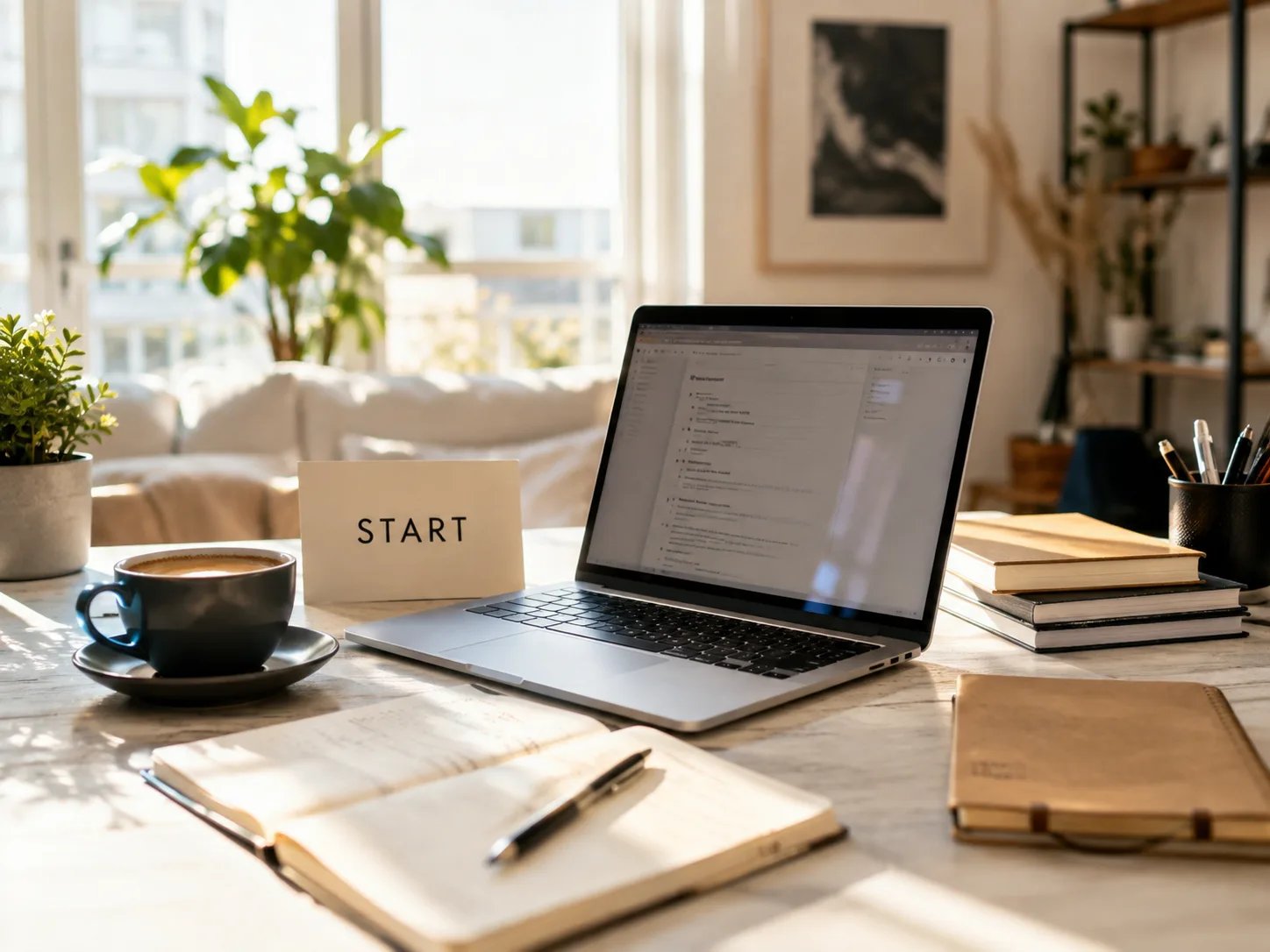
  • Still landing founder — ruang kerja meja yang disinari matahari dengan kartu START

    Founder growth

    Rancang hero landing dan cover dek tanpa merekrut desainer. Mulai gratis di Imagine Image, lalu bayar saat volume atau lisensi komersial jadi penting.

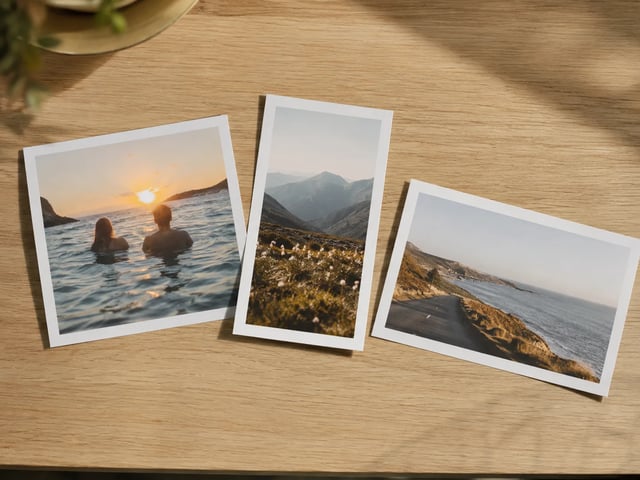
  • Cetakan kampanye multi-rasio tersusun di meja oak

    Lead konten sosial

    Isi feed 1:1, story 9:16, dan dek 16:9 dari satu konsep Grok Imagine Image 2.0. Imagine Image menjaga jejaknya supaya crop tidak tercecer di banyak desktop.

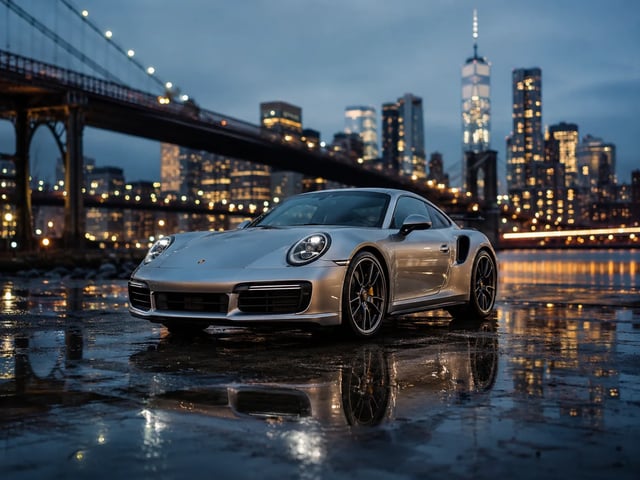
  • Key visual pitch agensi — mobil sport perak di blue hour

    Tim pitch agensi

    Tunjukkan still yang terlihat selesai kepada klien di hari yang sama. Unduh untuk dek, atau buka lagi riwayat setelah catatan tanpa merakit prompt dari ingatan.

Kemampuan meja kerja still

Yang Ditekankan Grok Imagine Image 2.0 di Imagine Image

  • Teks yang terbaca di dalam still kampanye

    Grok Imagine Image 2.0 paling kuat ketika arahan berisi judul, label harga, atau label UI. Tulis kata-kata itu ke dalam prompt supaya still bisa dikirim ke dek atau slot iklan.

  • Revisi gambar-ke-gambar satu catatan

    Unggah gambar yang hampir final dan ubah satu wilayah — badge, latar, atau properti — sementara sisanya tetap utuh. Itulah loop review sehari-hari yang dibangun untuk meja kerja ini.

  • Set multi-tile yang tetap selaras merek

    Iterasikan prompt dengan Grok Imagine Image 2.0 terpilih supaya palet, subjek, dan bahasa tipografi tetap terkait di tile karusel dan keluarga SKU.

  • Teks ke gambar dan gambar ke gambar bersama

    Mulai dari prompt kosong atau foto referensi di generator yang sama. Tidak ada instalasi kedua dan tidak ada akun terpisah hanya untuk menata ulang still kampanye.

  • Model lain tanpa meninggalkan /image

    Grok Imagine, GPT Image 2, Nano Banana, dan lainnya tetap di pemilih saat draf butuh tampilan berbeda. Grok Imagine Image 2.0 tetap default Imagine Image untuk kerja yang padat layout.

  • Kredit otomatis kembali jika generate gagal

    Timeout, error server, atau filter mengembalikan kredit. Kamu hanya mengeluarkan kredit untuk still yang benar-benar diterima.

FAQ Grok Imagine Image 2.0 di Imagine Image

Apa itu Grok Imagine Image 2.0 di Imagine Image?

Grok Imagine Image 2.0 adalah model still default di Imagine Image. Di /image kamu menjalankannya untuk hero kampanye, perbaikan review, dan set multi-tile — buka generator di atas untuk mulai gratis.

Apakah Grok Imagine Image 2.0 gratis untuk dicoba?

Akun baru mendapat kredit gratis untuk membuka meja kerja still. Kartu kredit tidak wajib untuk mulai. Beli kredit lagi atau berlangganan saat volume atau lisensi komersial jadi penting.

Apakah Grok Imagine Image 2.0 menangani teks di dalam gambar dengan baik?

Ya — itu alasan inti mengapa model ini default di sini. Masukkan kata yang tepat ke prompt untuk poster, kemasan, dan mockup UI. Hasil bervariasi menurut panjang dan bahasa, jadi iterasi dulu pada label pendek.

Bagaimana perbaikan review gambar-ke-gambar bekerja?

Unggah still referensi, jelaskan hanya wilayah yang ingin diubah, lalu jalankan dengan Grok Imagine Image 2.0 terpilih. Sisa adegan seharusnya lebih dekat ke aslinya daripada generate ulang penuh.

Bisa ekspor untuk iklan dan kerja klien?

Paket berbayar mencakup lisensi komersial untuk iklan, produk, dan hasil kerja klien. Still di paket gratis hanya untuk uji pribadi, kecuali paketmu menyatakan lain — cek halaman legal.

Haruskah saya menganimasikan di sini?

Tidak. /image untuk still. Ketika kamu punya hero yang siap digerakkan, buka /video dan pakai Grok Imagine Video (atau model video lain) dengan still itu sebagai frame pertama.

Kapan saya harus beralih dari Grok Imagine Image 2.0?

Tetap di Grok Imagine Image 2.0 untuk still kampanye yang padat layout. Ganti ketika arahan minta kecepatan atau keluarga estetika berbeda — pemilih tetap memuat prompt dan referensimu.

Bagaimana jika generate gagal di tengah jalan?

Kredit dikembalikan otomatis pada error server, timeout, atau filter konten. Jalankan ulang dengan prompt yang lebih jelas atau suntingan wilayah yang lebih sederhana.

Buat Still Kampanye Berikutnya dengan Grok Imagine Image 2.0

Meja kerja still Imagine Image · teks ke gambar · gambar ke gambar — mulai gratis, tanpa kartu.