Zeitlich begrenzt 30% Rabatt!Angebot sichern

Grok Imagine Video Motion-Desk auf Imagine Image Grok Imagine Video

Text-zu-Video und Bild-zu-Video mit vorausgewähltem Video 1.5 — kurze Social-Clips aus Prompt oder Startbild.

Diese /video-Route ist der Motion-Arbeitsplatz von Imagine Image für Grok Imagine Video: Clips im Sekundenbereich für Produkt-Reveals, Social-Hooks und Pitch-Beats — keine mehrminütige Offline-Render-Farm. Schreib einen Motion-Prompt oder lege ein Still von /image als Startbild ab. Kostenlose Credits öffnen einen kurzen Versuch — keine Karte nötig.

  • Clips im Sekundenbereich für Social und Decks
  • Kampagnen-Still als Startbild animieren
  • 480p zum Explorieren, 720p wenn Detail zählt
  • Kostenlose Credits zum Einstieg — ohne Karte
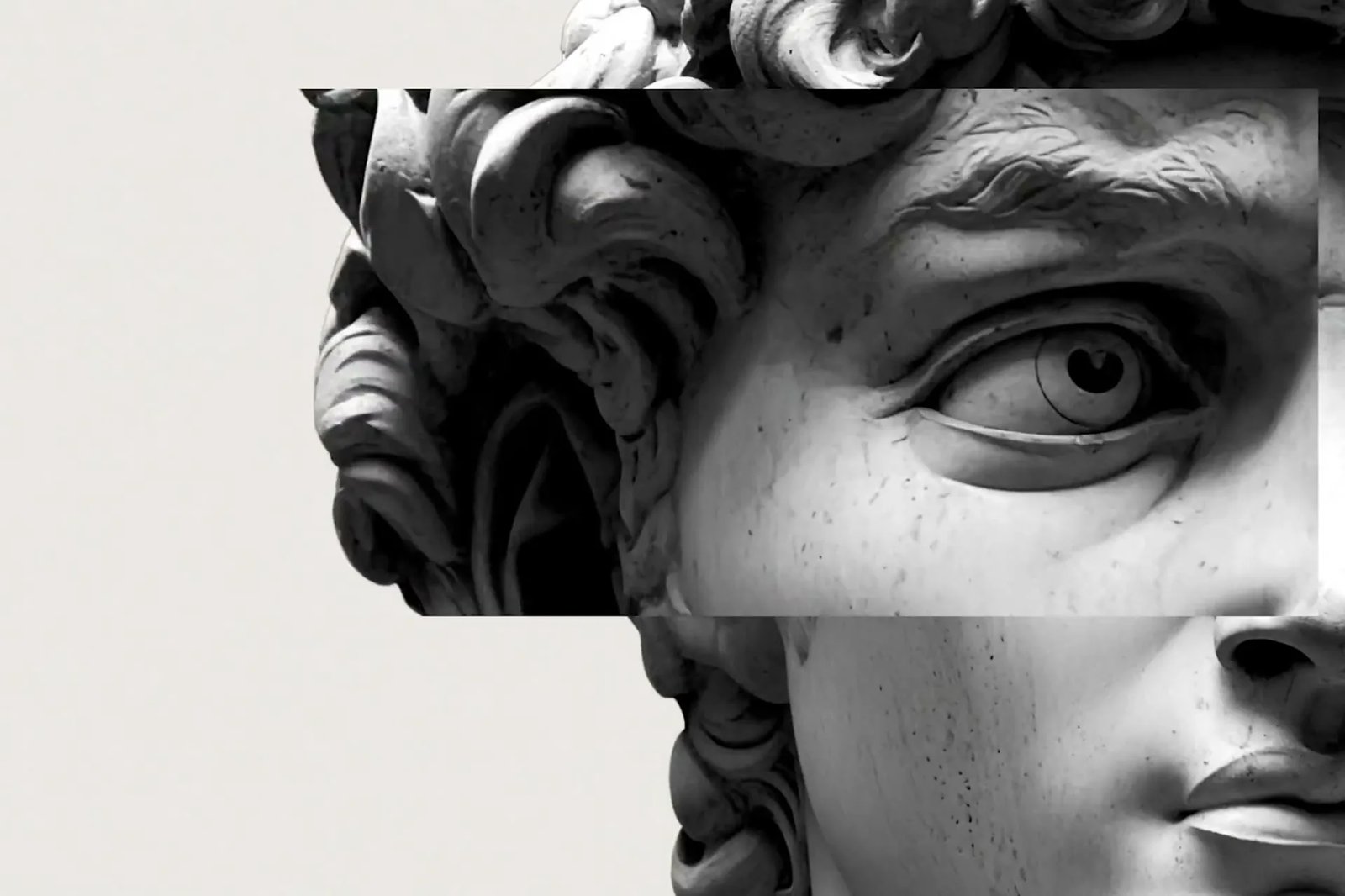
Grok Imagine Video Produkt-Hero — links weiche Typo, rechts silberne Racing-Yacht
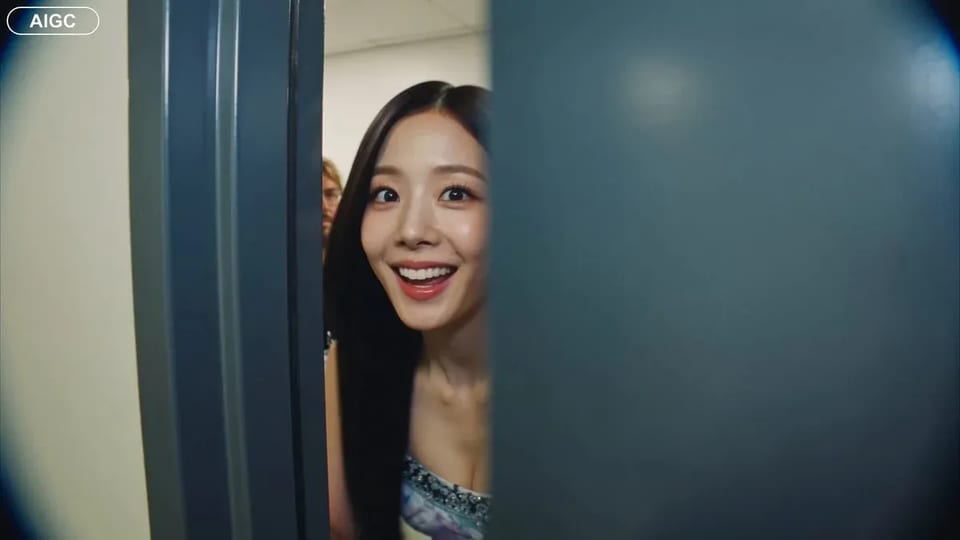
Handheld backstage idol vlog sample

CAMERA: Handheld DV 16mm camcorder aesthetic, first-person/selfie POV. CHASE always holds the camera. Natural hand shake, imperfect framing, delayed autofocus, clumsy zooms, occasional face cropping. The camcorder is never visible. LOOK: Soft vintage DV tape quality with slight blur, subtle tape noise, mild highlight bloom, flickering auto-exposure, muted contrast, natural skin tones. STYLE: Bright, playful K-pop idol vlog. Genuine smiles, eye contact, candid energy, quick handheld shots with backstage excitement. CHARACTER: CHASE, Korean female idol in her 20s. Long straight black hair, dewy skin, elegant Korean features, coral lips, large eyes, slim curvy figure. Wearing a stylish stage outfit with subtle glam makeup and sparkly earrings. SETTING: Backstage hallway of a music show studio with dressing room doors, CHASE's name tag on one door, snack table, overhead PA speaker, and blurred staff passing by. SEQUENCE: 1. Selfie: peeks into the hallway. "Hey guys, we're backstage!" 2. Whip pan down the corridor. "This hallway is so long!" 3. Stops at her dressing room, points at her name tag. "That's me!" 4. Close-up of the name tag as she taps it. Ambient audio only. 5. Quick outfit check with a spin near a mirror. "How do I look?" 6. At the snack table, grabs a snack. "Don't mind if I do." 7. Mid-bite, PA announcement interrupts. She laughs: "Wait—" 8. Selfie ending: hears the countdown, waves, makes a hand heart, then runs toward the stage. "That's my cue—see you after the stage!"

CAMERA: Handheld DV 16mm camcorder aesthetic, first-person/selfie POV. CHASE always holds the camera. Natural hand shake, imperfect framing, delayed autofocus, clumsy zooms, occasional face cropping. The camcorder is never visible. LOOK: Soft vintage DV tape quality with slight blur, subtle tape noise, mild highlight bloom, flickering auto-exposure, muted contrast, natural skin tones. STYLE: Bright, playful K-pop idol vlog. Genuine smiles, eye contact, candid energy, quick handheld shots with backstage excitement. CHARACTER: CHASE, Korean female idol in her 20s. Long straight black hair, dewy skin, elegant Korean features, coral lips, large eyes, slim curvy figure. Wearing a stylish stage outfit with subtle glam makeup and sparkly earrings. SETTING: Backstage hallway of a music show studio with dressing room doors, CHASE's name tag on one door, snack table, overhead PA speaker, and blurred staff passing by. SEQUENCE: 1. Selfie: peeks into the hallway. "Hey guys, we're backstage!" 2. Whip pan down the corridor. "This hallway is so long!" 3. Stops at her dressing room, points at her name tag. "That's me!" 4. Close-up of the name tag as she taps it. Ambient audio only. 5. Quick outfit check with a spin near a mirror. "How do I look?" 6. At the snack table, grabs a snack. "Don't mind if I do." 7. Mid-bite, PA announcement interrupts. She laughs: "Wait—" 8. Selfie ending: hears the countdown, waves, makes a hand heart, then runs toward the stage. "That's my cue—see you after the stage!"

Motion-Desk, nicht die Kampagnen-Stills-Seite

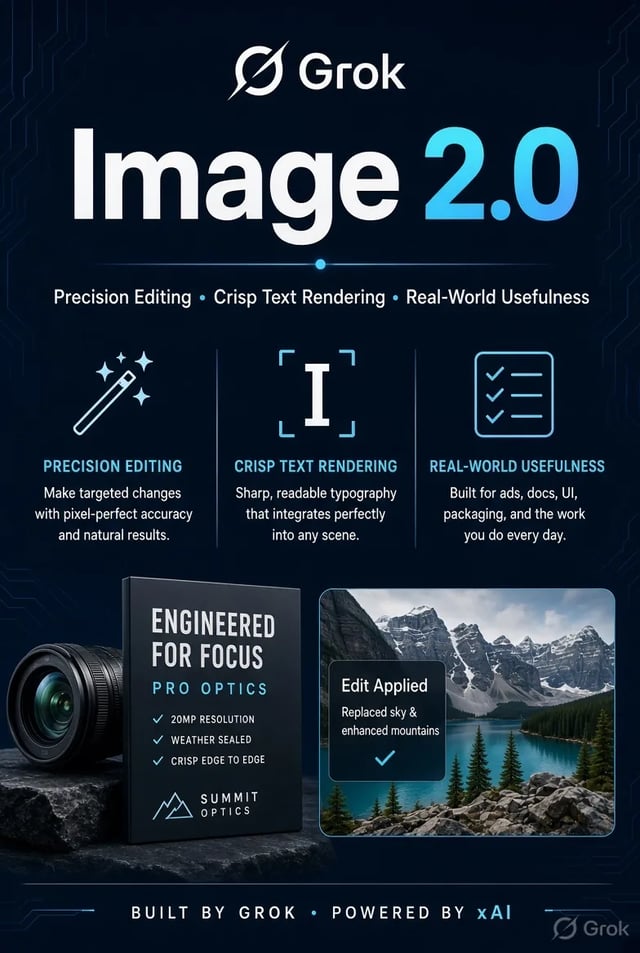
Suchende landen hier für kurzes Online-Video: ein Produkt-Reveal, ein Social-Hook oder ein Storyboard-Beat, der sich bewegen muss. Grok Imagine Video ist Standard, weil es für Text- oder Startbild-Clips im Browser gebaut ist. Brauchst du noch ein Hero-Bild mit lesbarer Typo, mach dieses Still zuerst auf /image mit Grok Imagine Image 2.0 — und komm hierher zurück, um es zu animieren.

| Grok Imagine Video | text to video | image to video | first-frame video | short AI video |

Clip-Workflow

Von der Motion-Vorgabe zum herunterladbaren Grok Imagine Video Clip

Drei Schritte auf /video — Stills bleiben auf /image.

  1. 1

    Für Tempo mit Grok Imagine Video starten

    Der Picker öffnet mit Grok Imagine Video 1.5 für kurze Text-zu-Video- und Bild-zu-Video-Läufe. Geh zu Veo oder Seedance, wenn du einen anderen Look oder Längenrahmen brauchst.

  2. 2

    Motion schreiben — oder ein Startbild ablegen

    Bei Text-zu-Video nenne Action und Kamera. Bei Bild-zu-Video lade ein Still hoch (oft von /image) und beschreibe nur, was sich bewegen soll, damit das Startbild markenkonform bleibt.

  3. 3

    Entwurf bei 480p, Feinschliff bei 720p

    Nutze 480p, während du Timing explorierst. Geh auf 720p, wenn der Cut review-ready ist. Fehlgeschlagene Läufe erstatten Credits automatisch.

Clip-Jobs, für die Grok Imagine Video auf Imagine Image passt

Reine Motion-Szenarien — andere Menschen und Aufgaben als der Stills-Hub.

  • Short-Form-Motion-Konzept-Still wiederverwendet für Grok Imagine Video auf Imagine Image

    Short-Form-Editoren

    Schneide 3–8-Sekunden-Hooks und Transitions ohne Shoot-Tag. Grok Imagine Video ist für den Clip, den du heute Abend brauchst — nicht für einen vollen Episode-Render.

  • Produkt-Reveal-Motion-Konzept-Still für Grok Imagine Video

    Product-Launch-Teams

    Mach aus einem Packaging-Still ein kurzes Reveal: Schwenk, Lichtpuls oder sanfte Produktdrehung. Bild-zu-Video hält das Startbild markenkonform.

  • Paid-Social-Motion-Konzept-Still für Grok Imagine Video

    Paid-Social-Producer

    Teste Motion-Varianten desselben Offers. Entwirf günstig bei 480p, dann lege einen 720p-Cut für den Ad Account fest.

  • Previs-artiges Still für Grok Imagine Video Animatics

    Previs- / Animatic-Leads

    Bewege ein Storyboard-Still, damit Directors vor einem vollen CG-Pass zum Pacing kommentieren können. Halte Beats kurz und gezielt.

  • Lesson-Explainer-Motion-Konzept für Grok Imagine Video

    Course Creators

    Animiere ein Diagramm-Still zu einem kurzen Erklär-Beat. Bild-zu-Video hält das Lehrbild vertraut, während Motion die Aufmerksamkeit trägt.

  • Agency-Pitch-Motion-Konzept für Grok Imagine Video

    Agency Pitch Pods

    Zeig einem Client, wie sich ein Keyframe bewegen könnte, ohne volle Produktion zu buchen. Lade den Clip am selben Tag herunter und iteriere aus Feedback.

Motion-Fähigkeiten

Was der Grok Imagine Video Desk betont

  • Kurze Clips von vornherein

    Grok Imagine Video 1.5 zielt auf Online-Video im Sekundenbereich. Verkette Clips, wenn du eine längere Sequenz brauchst — diese Seite ist keine mehrminütige Offline-Suite.

  • Startbild Bild-zu-Video

    Lade ein Still hoch und beschreibe die Motion. Das Startbild bleibt nah an deinem Foto, während der Rest des Clips animiert — ideal, nachdem du ein Still auf /image mit Grok Imagine Image 2.0 poliert hast.

  • 480p-Entwürfe, 720p-Review-Cuts

    480p ist der günstige Explorationspfad. 720p kostet mehr pro Sekunde, wenn der Cut Detail für Client- oder Social-Review braucht. Kostenlose Credits decken einen kurzen Start auf der Standardstufe.

  • Text-zu-Video in Alltagssprache

    Nenne Subjekt, Action und Kamera. Du brauchst kein separates xAI-Konto und keine Desktop-Installation — Generierung läuft im Browser-Workspace.

  • Veo und Seedance einen Klick entfernt

    Wenn ein Shot ein anderes Hausmodell braucht, wechsle, ohne den Prompt auf eine andere Site zu kopieren. Grok Imagine Video bleibt Standard für schnelle erste Cuts.

  • Fehlgeschlagene Clips erstatten Credits automatisch

    Timeouts, Serverfehler oder Filter geben Credits zurück. Du gibst nur für Clips aus, die du erhältst.

FAQ zu Grok Imagine Video auf Imagine Image

Was ist Grok Imagine Video auf Imagine Image?

Grok Imagine Video ist das Haus-Motion-Modell auf Imagine Image. Nutze diesen /video-Hub für kurze Text-zu-Video- und Bild-zu-Video-Clips; nutze /image mit Grok Imagine Image 2.0, wenn du zuerst ein Still brauchst.

Wie lang kann ein Grok Imagine Video Clip sein?

Grok Imagine Video 1.5 ist für kurze Online-Clips gebaut — ungefähr im Sekundenbereich je nach Lauf-Settings. Für längere Stories erzeuge mehrere Clips und schneide sie zusammen.

Kann ich von einem Foto starten, das ich schon auf /image gemacht habe?

Ja. Exportiere oder öffne das Still erneut, öffne /video, lade es als Startbild hoch und beschreibe die Motion. Dieser Bild-zu-Video-Pfad ist der vorgesehene Handoff vom Stills-Desk.

480p oder 720p — was zuerst?

Starte bei 480p, während du Timing und Kamerabewegungen explorierst. Wechsle zu 720p, wenn der Cut für Social oder Client-Review bereit ist. Höhere Auflösung verbraucht mehr Credits pro Sekunde.

Ist Grok Imagine Video kostenlos testbar?

Neue Konten bekommen kostenlose Credits, die einen kurzen Lauf auf der Standardstufe decken können. Zum Start ist keine Kreditkarte nötig. Kaufe mehr Credits oder abonniere für Volumen und kommerzielle Lizenz.

Wann sollte ich von Grok Imagine Video zu Veo oder Seedance wechseln?

Bleib bei Grok Imagine Video 1.5 für schnelle erste Cuts und Startbild-Animation. Wechsle, wenn die Vorgabe den Look oder Längenrahmen eines anderen Modells braucht — der Picker behält Prompt und Referenz geladen.

Ersetzt diese Seite einen vollen Video-Editor?

Nein. Sie erzeugt kurze Clips, die du herunterladen und im Editor fertigstellen kannst. Denk an Hooks, Reveals und Previs-Beats — nicht an Color Grade, Multi-Track-Audio oder Long-Form-Editing.

Was passiert, wenn ein Render scheitert?

Credits werden bei Serverfehlern, Timeouts oder Content-Filtern automatisch erstattet. Kürze den Clip, vereinfache die Motion oder probiere 480p vor einem längeren 720p-Lauf.

Deinen nächsten kurzen Clip mit Grok Imagine Video erstellen

Imagine Image Motion-Desk · Prompt oder Startbild · kostenlos starten mit Credits nach der Anmeldung.